
Supershieldz Matte Film
4.2Editor score
Anti-glare matte finish
High quality Japanese PET film
3 pack multi-device option
Easy bubble-free installation
Protecting your tablet screen is essential for maintaining clarity and functionality over time. A high-quality screen protector offers defense against scratches, fingerprints, and accidental drops. Choosing the right one ensures your Lenovo Tab One remains in pristine condition.
We evaluated ten top-rated options based on durability, clarity, ease of installation, and user feedback. Our analysis covers tempered glass and matte film varieties designed specifically for the Tab One 8.7 inch model. Each product was scrutinized for fit and performance.
Every pick highlights key features and potential drawbacks to guide your decision-making process. Please note that pricing and availability may fluctuate over time. We recommend verifying the current details on the retailer page before finalizing your purchase.
4.2Editor score

4.5Editor score

4.6Editor score
As an Amazon Associate we earn from qualifying purchases.
The following table provides a side-by-side comparison of all ten screened products. It highlights key specifications and core attributes to help you quickly identify the best fit for your specific needs.


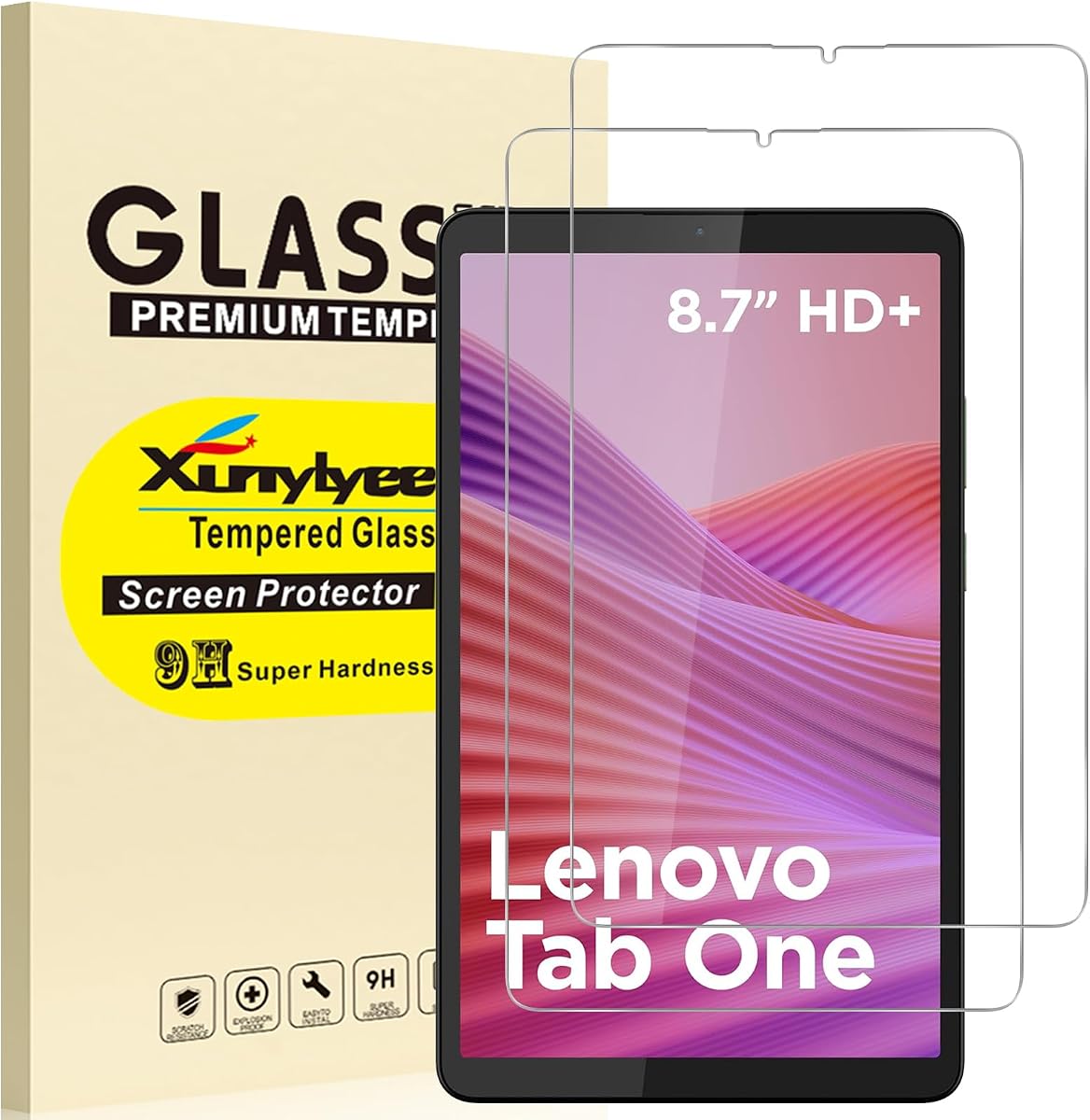


The Supershieldz tempered glass protector stands out as a top choice for Lenovo Tab One users seeking reliable protection. With a solid 4.5-star rating, it delivers high performance for daily use. Its design prioritizes durability while keeping the display crisp and responsive.
We may earn a commission when you buy through this link, at no additional cost to you.
Constructed from high-quality tempered glass, this option offers 9H hardness to repel scratches from keys or debris. The oleophobic coating helps resist fingerprints and sweat, keeping the screen clean. Rounded edges ensure comfort during prolonged use and smooth integration with tablet cases.
While installation is generally bubble-free, users should handle the glass carefully to avoid cracking before placement. Once applied, the sensitivity remains consistent with the unprotected screen. This makes it suitable for typing and drawing tasks without lag.
For those wanting a balance of cost and quality, the Supershieldz is highly recommended. It offers peace of mind against accidental drops and scratches. The included cleaning kit simplifies setup, making it accessible even for first-time users.
The 9H hardness rating ensures the screen resists daily wear from keys or pockets.
Hydrophobic coating reduces smudges for a cleaner look and better visibility.
We may earn a commission when you buy through this link, at no additional cost to you.
Orzero offers a practical solution for those needing multiple protectors or replacements. Its 4.4-star rating reflects consistent quality across the three-pack. The focus on affordability does not compromise the core protective features for the Tab One.
We may earn a commission when you buy through this link, at no additional cost to you.
The thin glass material ensures a nearly invisible presence on the screen. It maintains the original touch experience without adding bulk. Installation includes necessary tools like dust removers and wipes to ensure a clean application.
Some users might find the glass slightly less robust than premium options. However, for standard daily use, it provides sufficient protection against scratches and minor impacts. The value proposition makes it attractive for families or shared devices.
Choose this if you need spare protectors or want to save without sacrificing safety. The kit simplifies the process, and support is available if issues arise. It remains a strong contender in the budget category.
Three protectors allow for replacements if the first is damaged during installation.
Included tools ensure a bubble-free finish with minimal effort.
We may earn a commission when you buy through this link, at no additional cost to you.
ProCase claims the top spot with a 4.6-star rating, signaling exceptional user satisfaction. This option is designed specifically for the Tab One/K9 2025 release. It balances high-end protection with seamless integration.
We may earn a commission when you buy through this link, at no additional cost to you.
The ultra-thin 0.33mm profile ensures it fits perfectly with most cases. Users report that touch sensitivity remains unaffected, crucial for stylus work or gaming. The advanced adhesive prevents residue, a common pain point for other brands.
Shock-resistant properties add a layer of safety against accidental drops. While it may cost slightly more, the reliability and clarity justify the investment. Installation is straightforward, taking only seconds with the right technique.
For power users seeking the best protection without trade-offs, ProCase is ideal. It combines durability with a premium finish. Always double-check your model number before purchase to ensure a perfect fit.
Rounded edges prevent lifting when using protective tablet cases.
Advanced adhesive allows safe removal without leaving sticky residue behind.
We may earn a commission when you buy through this link, at no additional cost to you.
This generic 2-pack delivers reliable protection with a 4.5-star rating. It focuses on core functionality like scratch resistance and clarity. The ultra-thin design ensures minimal interference with the screen's natural feel.
We may earn a commission when you buy through this link, at no additional cost to you.
Oil-resistant technology keeps fingerprints at bay, maintaining a clean surface. The included cleaning kit helps achieve a professional installation without dust particles. Users appreciate the fast bubble-free setup.
While it lacks distinct branding, the performance matches more expensive competitors. The glass is tough enough for daily wear and tear. It serves well for casual users prioritizing function over fancy packaging.
Select this for straightforward, effective protection at a fair price. It covers the basics efficiently. Verify compatibility with your specific tablet model before application.
Ultra HD clear design ensures content looks sharp and vibrant.
Cleaning kit supports easy installation without professional help.
We may earn a commission when you buy through this link, at no additional cost to you.
Supershieldz offers a matte film option ideal for outdoor or bright environments. Its 4.2-star rating highlights satisfaction with glare reduction. Unlike glass, this film provides a softer touch surface.
We may earn a commission when you buy through this link, at no additional cost to you.
Made from high-quality Japanese PET, it resists fingerprints and smudges well. The anti-glare finish improves visibility under strong lighting. It is lightweight and easy to apply without heavy tools.
While it does not offer the same hardness as tempered glass, it protects against scratches. The matte finish may slightly reduce screen clarity compared to glossy options. This trade-off is acceptable for those prioritizing comfort.
Choose this for a natural writing feel and glare control. It suits readers and casual users more than heavy-duty protection seekers. The three-pack ensures plenty of backups if needed.
Anti-glare coating minimizes reflections for better reading comfort.
Matte surface feels smooth and reduces fingerprint smears.
We may earn a commission when you buy through this link, at no additional cost to you.
XunyLyee tailors this protector for the TB305FU model specifically. It holds a 4.4-star rating for consistent performance and fit. Users appreciate the precise dimensions tailored to this variant.
We may earn a commission when you buy through this link, at no additional cost to you.
The premium tempered glass ensures scratch resistance and shatterproof safety. Transparency is high, maintaining the original viewing experience. Removal leaves no residue, which is vital for long-term care.
While limited to one model, the fit quality is superior. The impact protection adds confidence during daily handling. It is a solid choice for owners of this specific tablet version.
Verify your model number before ordering to ensure compatibility. The dedicated fit justifies the investment for a seamless experience. Support is available for any installation issues.
Designed specifically for the TB305FU model for accurate alignment.
High transparency maintains original display quality and brightness.
We may earn a commission when you buy through this link, at no additional cost to you.
This generic pack offers a straightforward protective layer with a 4.5-star rating. It prioritizes brightness and ease of use for most users. The light transmittance keeps colors vibrant and visible.
We may earn a commission when you buy through this link, at no additional cost to you.
Installation is marketed as dust-free and bubble-free for speed. The 9H hardness protects against scratches from keys or daily wear. Warranty service adds a layer of security for the buyer.
It is a no-frills option that gets the job done efficiently. Users who do not need premium features will find this sufficient. The two-pack ensures one is ready if the first fails.
Ideal for those needing quick and reliable protection. It avoids complex setup steps. Always check the model compatibility before purchase.
99% light transmittance ensures vibrant and bright visuals.
One-touch installation reduces effort and time required for setup.
We may earn a commission when you buy through this link, at no additional cost to you.
YiYuan supports stylus users with a 0.3mm thin design. Its 4.4-star rating confirms compatibility with various Lenovo Tab One versions. This makes it versatile for owners of different model years.
We may earn a commission when you buy through this link, at no additional cost to you.
The glass maintains original sensitivity so touch input remains accurate. Laser-cut edges ensure a precise fit without interfering with buttons. It allows for free replacement if issues occur during the warranty period.
While it may lack premium coating, it delivers solid protection. The thin profile ensures it works well with most cases. It is a practical solution for active users who need responsiveness.
Opt for this if you use a pencil or need thin glass. It balances protection with usability. Verify your model year before buying.
Thin design ensures full responsiveness with active pencils.
Laser-cut edges prevent interference with tablet buttons.
We may earn a commission when you buy through this link, at no additional cost to you.
Gerutek focuses on hydrophobic protection to keep surfaces clean. It holds a 4.3-star rating for reliable everyday performance. This option is excellent for users who prioritize cleanliness.
We may earn a commission when you buy through this link, at no additional cost to you.
The coating repels water and dust effectively. It keeps the screen smudge-free during extended use. Installation is quick thanks to the advanced silicon adhesive.
While the adhesion may wear over months, the overall protection remains robust. It suits light to moderate usage patterns well. Users appreciate the natural touch experience.
Ideal for those seeking easy cleaning and durability. It offers a good balance of features. Check reviews for long-term adhesion insights before buying.
Oleophobic coating repels oils for a cleaner screen look.
Hydrophobic layer makes wiping down the device effortless.
We may earn a commission when you buy through this link, at no additional cost to you.
This unique option combines a case and protector for total coverage. It holds a 4.5-star rating for overall convenience and design. Users love the all-in-one solution for travel.
We may earn a commission when you buy through this link, at no additional cost to you.
The hard shell resists scratches while the built-in film shields the display. Magnetic clasp and stand functions enhance usability. It eliminates the need to buy separate items.
While the screen protection is part of the case, it serves well for casual use. It is lightweight and elegant with a PU material finish. This choice is ideal for those wanting simplicity.
Choose this if you value ease of purchase and style. It handles both protection and functionality. Verify model compatibility before finalizing your order.
Combined case and protector save time on separate purchases.
Built-in stand allows for hands-free media consumption.
We may earn a commission when you buy through this link, at no additional cost to you.
Selecting the right screen protector involves weighing several factors to match your specific needs. This section breaks down the critical elements to consider before making a purchase.
Tempered glass is the industry standard for durability and clarity. It offers superior scratch resistance and touch sensitivity compared to plastic films. Choose glass if you prioritize long-lasting protection and high-definition visuals.
However, matte PET films provide better anti-glare properties and a softer touch. These are ideal for outdoor use or stylus work. Decide based on whether you need maximum hardness or glare reduction.
Look for a 9H hardness rating to ensure the glass can withstand keys and sharp objects. This metric indicates the surface's resistance to scratching. A higher rating generally translates to better protection over time.
Most top-rated options in this guide meet the 9H standard. Verify this detail on the product page to confirm it matches your protection expectations.
Thickness affects how the protector sits under your case. Ultra-thin designs around 0.3mm ensure compatibility with most cases. Clearer glass preserves the original color and brightness of your screen.
Check for HD or Super HD transparency claims to avoid yellowing. Thinner options maintain better sensitivity and look more like the original screen.
A good kit includes dust removers and cleaning wipes to ensure a clean surface. This reduces the risk of air bubbles and dust particles. Look for self-aligning frames to simplify the process.
Without these tools, installation can become frustrating. Verify that the product comes with the necessary accessories before ordering.
Some protectors have slightly larger glass that may not fit snugly inside tight cases. Ensure the design is labeled as case-friendly. This prevents the protector from lifting at the edges over time.
Rounded edges also help integrate better with case cutouts. Always check user reviews regarding case fit before committing to a brand.
Brands offering warranties or replacements provide peace of mind. If the protector cracks during installation, you should be able to get a replacement. This service adds value beyond the product itself.
Review the seller's policy on returns and support. Reliable after-sales service can resolve issues quickly without extra cost.
Prices vary slightly between brands but often reflect the quality of materials. Multi-packs can offer better long-term value than single units. Compare the cost per protector to determine the best deal.
Higher prices do not always guarantee better performance. Many budget options provide excellent protection. Focus on ratings and specific features that match your needs.
Customer reviews offer real-world insights into durability and ease of use. Look for comments about touch sensitivity and bubble resistance. Consistent positive feedback indicates a reliable product.
Pay attention to recurring complaints like edge lifting or poor adhesion. These issues can impact your long-term satisfaction. Prioritize items with high ratings and recent reviews.
To ensure a bubble-free application, start by cleaning the screen thoroughly. Use the included alcohol wipe to remove oils and dust, then dry with the lint-free cloth. Avoid touching the adhesive side of the glass to prevent sticking issues.
Apply the protector slowly, starting from one edge to push air out. If bubbles appear, lift the edge slightly and reposition. Using a soft card can help smooth out remaining air pockets without damaging the glass.
Maintain the protector by wiping it with a soft microfiber cloth. Avoid harsh chemicals that can degrade the oleophobic coating. If it gets cracked or loses adhesion, replace it promptly to protect the underlying screen.
Most protectors for the Lenovo Tab One avoid the sensor area. However, check the dimensions if your device relies on an in-screen fingerprint reader. The listed models typically do not block biometric features.
Tempered glass protectors generally work well with active styluses due to their smooth surface. If you notice lag, consider an ultra-thin option. Matte films may reduce friction further for better control.
Glass protectors offer higher durability and clarity but are thicker and heavier. Films are lighter and anti-glare but scratch more easily. Choose glass for impact protection and film for glare reduction.
Replace the protector if it develops cracks or loses adhesion at the edges. This usually happens after several months of heavy use. Regular inspection helps maintain screen integrity and visual quality.
Yes, cleaning is essential to remove dust and oils that cause bubbles. Use the provided alcohol pad and dry thoroughly before application. Skipping this step often leads to a poor installation result.
Several protectors in this list explicitly mention compatibility with the K9 8.7 inch model. Always verify the exact model number on the packaging. The dimensions should match the 2025 release specifications.
Most packages include a simple kit with wipes and dust removers. No specialized tools are required for installation. Just take your time to align the edges correctly.
The Supershieldz, ProCase, and Orzero options lead the list for their balance of durability and value. Each offers unique strengths, whether it be matte finishes or precise case fit. Select based on your specific usage habits.
Prioritize 9H hardness and a compatible installation kit for the best experience. These features ensure your device stays protected without hindering functionality. Avoid products that compromise on material quality.
Always check current prices and availability before purchasing to secure the best deal. Reviews can change as new versions arrive. We hope this guide helps you find the perfect protector for your tablet.