
HP 14 inch Laptop
4.5Editor score
14 inch anti glare display
Intel N150 processor
Lightweight portable design
Finding a laptop with an anti glare screen is essential for anyone who spends long hours working or studying. These displays reduce reflections and eye strain, making them ideal for bright offices or outdoor use. We have selected top models that balance visual clarity with reliable performance for everyday tasks.
Our team analyzed ten current models based on display technology, processor speed, memory capacity, and build quality. We focused on screens that offer clear visibility without the need for constant adjustments. Each pick includes detailed specifications to help you understand what makes it stand out in a crowded market.
Each product entry shows key features, ratings, and links to verified retailers where you can find the best current offers. Prices and availability can change frequently, so checking the latest details before purchasing is always recommended. This list aims to simplify your decision process with honest insights.
4.5Editor score
4.1Editor score

4.4Editor score
As an Amazon Associate we earn from qualifying purchases.
We have compiled a side-by-side comparison of ten leading laptops featuring anti glare screens. This table highlights core specifications such as processor type, memory, storage, and display details to help you quickly identify the best fit for your specific needs.




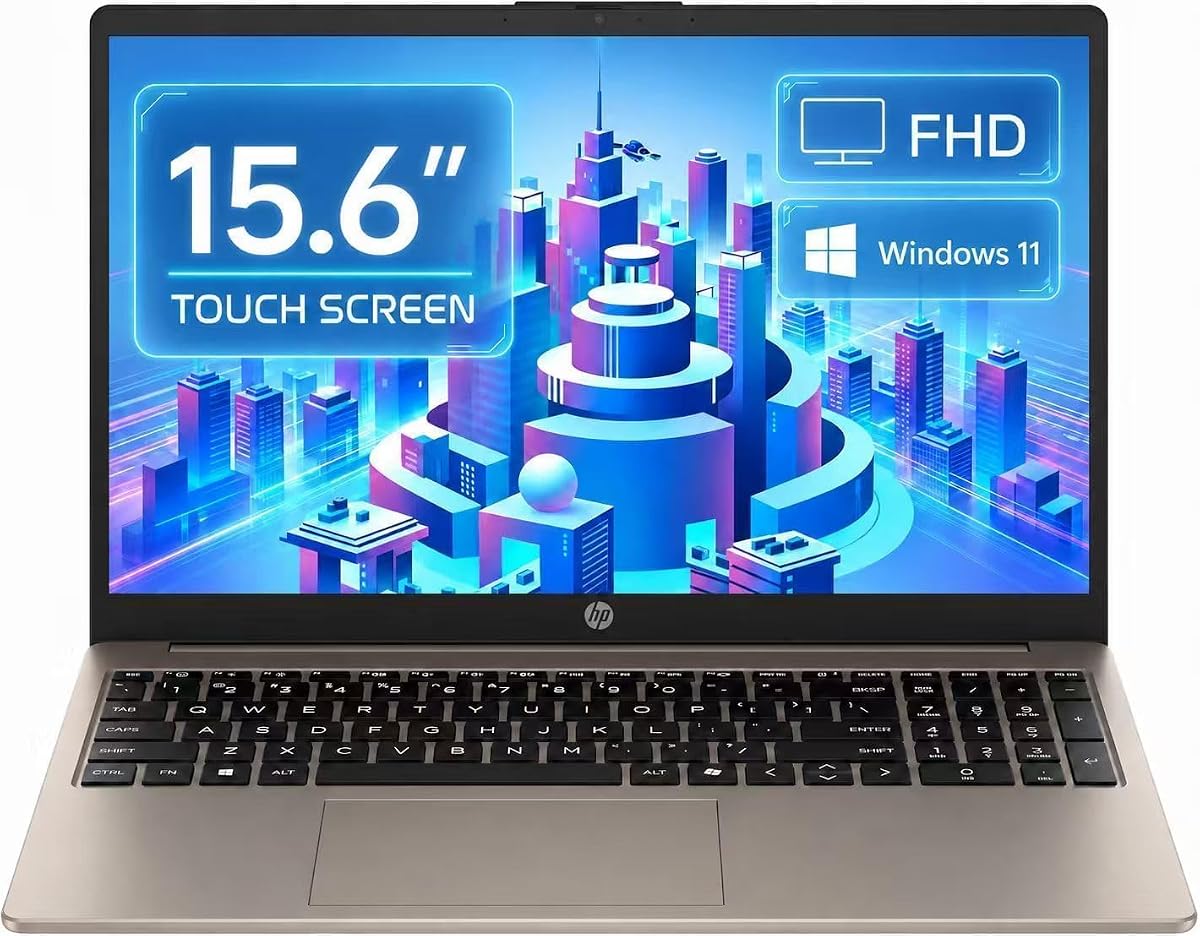
The HP Pavilion 15.6 stands out as a top choice for users seeking a reliable anti glare screen. With a 4.1 rating from verified buyers, it delivers consistent performance for everyday tasks. The display reduces reflections effectively, making it suitable for office environments with overhead lighting.
We may earn a commission when you buy through this link, at no additional cost to you.
Key strengths include the generous 16GB RAM and 1TB SSD which ensure smooth multitasking and fast boot times. The Intel N305 processor handles web browsing and document editing with ease. Battery life reaches up to 11 hours, allowing you to work unplugged throughout the day.
While the screen offers good clarity, it may struggle in direct sunlight due to moderate brightness levels. The build quality is functional but relies on plastic materials which may feel less premium than metal alternatives. These trade-offs are acceptable given the price point and feature set.
This laptop is ideal for students and professionals who need a versatile machine for work and study. If you prioritize screen usability and memory capacity over premium materials, this model offers excellent value. We recommend it for anyone needing a dependable anti glare display.
The capacitive touchscreen allows intuitive interaction while the anti glare coating minimizes distractions from ambient light.
With robust memory and storage options, you can run multiple applications without slowing down the system.
We may earn a commission when you buy through this link, at no additional cost to you.
This HP model earns a spot as a premium pick due to its 13th Gen Intel Core i7 processor and 4.4 rating. The anti glare screen provides vibrant visuals without excessive glare. It is designed for users who need power for creative tasks or heavy multitasking.
We may earn a commission when you buy through this link, at no additional cost to you.
The Intel Iris Xe graphics enhance visual performance for light gaming or media editing. Wi-Fi 6 and Bluetooth 5.3 ensure fast and stable wireless connections. The fast charge feature allows quick top-ups, getting 50 percent charge in about 45 minutes.
Users should note the higher price compared to budget options. Cooling fans can become audible under heavy load. These factors are typical for high performance machines and are worth considering if you need the extra power.
Ideal for power users or professionals requiring speed and reliability, this laptop delivers top-tier performance. If budget is less of a concern and you want the best processing power in this category, this is a strong candidate for your needs.
The latest Intel architecture ensures efficient task handling and smooth performance for demanding applications.
Quick recharging capabilities mean less downtime when your battery runs low during busy days.
We may earn a commission when you buy through this link, at no additional cost to you.
With a 4.5 rating and low price, this HP 14 inch model is a top budget choice. It features an anti glare screen that keeps eyes comfortable during long use. The compact size makes it easy to carry around campus or office.
We may earn a commission when you buy through this link, at no additional cost to you.
The Intel N150 processor and DDR5 RAM provide efficient performance for basic tasks like browsing and word processing. Cloud storage helps expand capacity without upgrading hardware. It is a great entry point for students or casual users.
Storage is limited to 128GB locally so relying on cloud services is necessary for large files. Multitasking with many tabs may cause slowdowns. These constraints are expected at this price and are acceptable for light usage.
Recommend for students or anyone needing a secondary device for light tasks. If you want an affordable anti glare screen without extra frills, this model offers great value and reliability for everyday needs.
Its slim profile allows effortless transport between home and work locations.
Included software and cloud options enhance utility without additional subscription costs.
We may earn a commission when you buy through this link, at no additional cost to you.
This HP laptop features a bright 300 nits anti glare IPS touchscreen which improves visibility. The AMD Ryzen 5 processor supports smooth multitasking and daily productivity. It is a solid option for users prioritizing visual quality.
We may earn a commission when you buy through this link, at no additional cost to you.
AI noise reduction helps during calls by filtering background sounds. The Copilot key offers quick access to productivity features. Privacy shutter protects webcam security when not in use.
Storage is modest at 256GB which may require external drives for large media libraries. The unit is slightly heavier than ultraportable options. These are minor trade-offs for the screen quality and features provided.
Ideal for remote workers needing clear video calls and bright visuals. If screen performance is your main goal and you can manage storage, this model is a strong contender.
High nits rating ensures content remains visible even in well lit rooms.
Built-in AI tools streamline workflows and improve communication quality.
We may earn a commission when you buy through this link, at no additional cost to you.
Dell 15.6 model provides a practical anti glare screen with ComfortView software for eye comfort. It has a 4.3 rating from users who appreciate its reliability. The ergonomic hinges lift the laptop for better typing angles.
We may earn a commission when you buy through this link, at no additional cost to you.
The numeric keypad helps with data entry tasks. Dell Services offer onsite support for hassle-free maintenance. It is a good choice for small businesses or home users.
Processor speed is modest limiting heavy multitasking. Battery life is average so keep a charger handy. These limitations are offset by the low cost and supportive warranty.
Recommended for basic computing needs on a budget. If you want eye comfort features and dependable support without high costs, consider this Dell.
Software reduces blue light to prevent strain during long sessions.
Onsite warranty ensures quick fixes without needing to ship the device.
We may earn a commission when you buy through this link, at no additional cost to you.
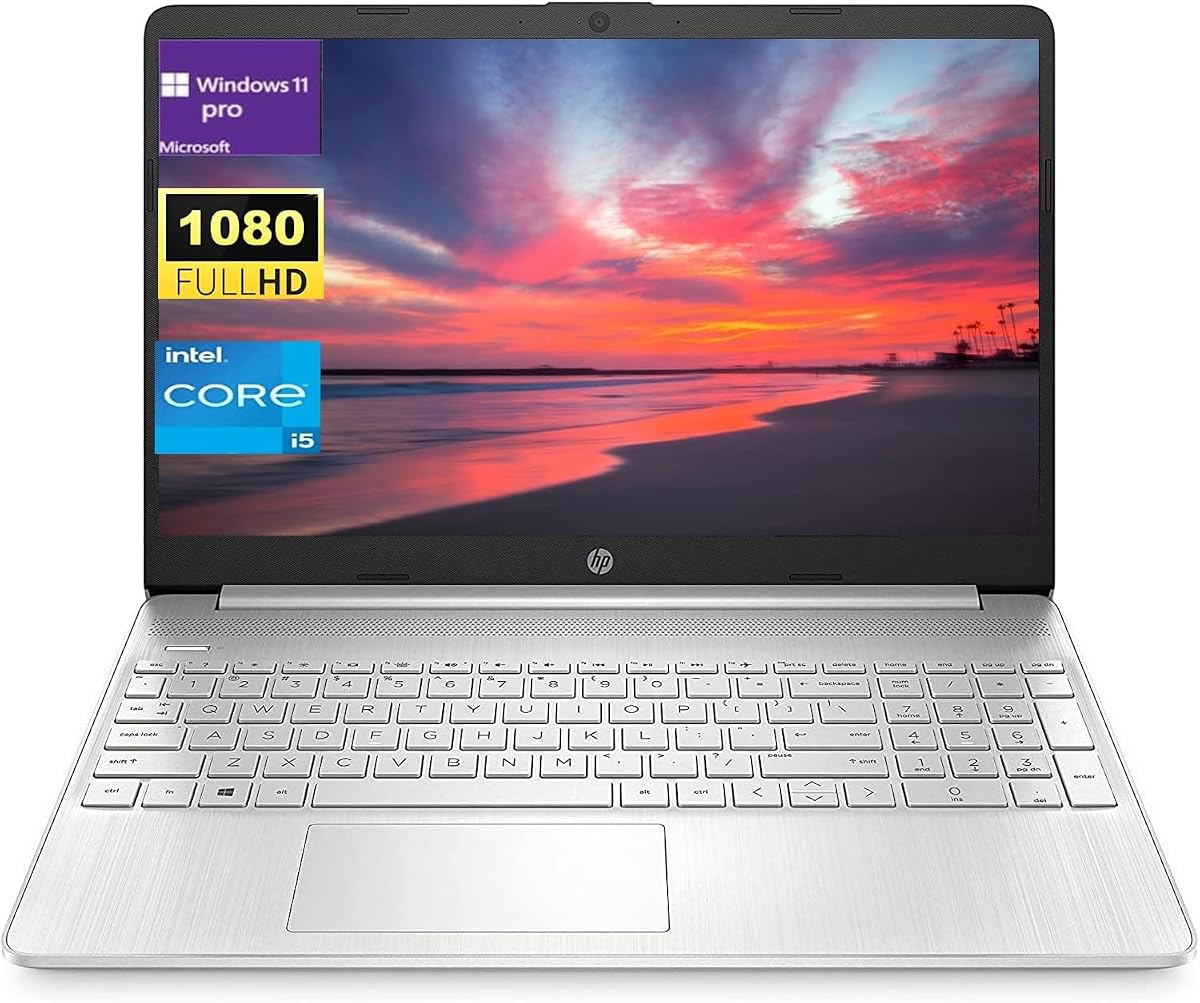
This HP model runs Windows 11 Pro which is ideal for professional environments. The anti glare display ensures readability in varied lighting. It delivers solid performance for business applications.
We may earn a commission when you buy through this link, at no additional cost to you.
The 512GB SSD provides ample space for documents and files. Intel Core i5 handles multitasking efficiently. SD card reader supports easy data transfer from cameras.
Ports are standard but lack Thunderbolt support. Screen lacks touch which limits interaction options. These are common trade-offs for business class laptops.
Best for corporate users needing Pro features and reliability. If you require business OS tools and a clear screen, this model fits well.
Professional operating system enables advanced security and management tools.
Fast SSD ensures quick access to files and applications.
We may earn a commission when you buy through this link, at no additional cost to you.
The Latitude 5420 offers a 14 inch anti glare touchscreen with high RAM. It comes renewed providing cost savings. Thunderbolt 4 ports support fast data transfer.
We may earn a commission when you buy through this link, at no additional cost to you.
Business grade durability is a hallmark. The Pro OS supports domain joining and security. It is a smart buy for enterprises on a budget.
Renewed items may show wear. Battery health can vary. Check seller ratings before purchasing to ensure quality.
Recommended for businesses needing durable devices. If you want high specs at lower prices and accept used goods, this is a good option.
Built to withstand daily use with versatile high speed ports.
Certified refurbished units offer reliable performance at reduced prices.
We may earn a commission when you buy through this link, at no additional cost to you.
Lenovo business model boasts a 4.6 rating and military grade testing. The anti glare display is reliable for daily work. DDR5 memory ensures efficient performance.
We may earn a commission when you buy through this link, at no additional cost to you.
Privacy shutter protects during video calls. It withstands rough handling suitable for field work. Ideal for professionals needing reliability.
Storage is limited so use cloud services. Processor is entry level. Acceptable for basic business needs.
Ideal for field workers or students. If durability and screen clarity are priorities, choose this Lenovo.
Meets military standards for durability in tough environments.
DDR5 RAM provides faster data access and efficiency.
We may earn a commission when you buy through this link, at no additional cost to you.
This HP model features a large 17.3 inch anti glare screen with high brightness. The Ryzen 5 processor supports demanding tasks. It is a desktop replacement option.
We may earn a commission when you buy through this link, at no additional cost to you.
With 1TB storage and 16GB RAM it handles media well. Copilot key aids productivity. Good for home offices.
Weight makes it hard to carry. Not ideal for travel. Use as a stationary setup.
Best for home users wanting large display. If you need big screen and power at a desk, this fits.
Extra large screen enhances productivity and entertainment.
AI key shortcuts streamline daily workflow efficiently.
We may earn a commission when you buy through this link, at no additional cost to you.
The HP 17 Inch offers a spacious anti glare display rated 4.5 stars. The Ryzen 5 processor delivers consistent power. Battery life supports long sessions without charging.
We may earn a commission when you buy through this link, at no additional cost to you.
It suits home offices and study rooms. SSD storage ensures quick boot. The screen helps during long work hours.
Portability is limited due to weight. Power consumption may be higher. These are trade-offs for screen size.
Ideal for users needing large workspace. If you want a big anti glare screen for desk use, this is a great pick.
Larger display allows more windows and better visibility.
Long battery life supports uninterrupted productivity sessions.
We may earn a commission when you buy through this link, at no additional cost to you.
Choosing the right laptop involves understanding how screen technology impacts your daily work. Anti glare screens reduce reflections and eye strain making them essential for long hours. We outline key factors to consider before buying.
Brightness measured in nits determines how visible the screen is in bright environments. Look for at least 250 nits to ensure clarity. Full HD resolution is standard and provides crisp text and images.
Prioritize screens with higher nits if you work in varied lighting conditions.
The coating type varies between matte and glossy finishes. Matte coatings scatter light to minimize reflections. Check user reviews to confirm the effectiveness of the glare reduction.
Choose matte finishes if you work near windows or bright lights.
The processor drives multitasking and application speed. Modern Intel or AMD CPUs ensure smooth operation. Match the CPU to your workload whether basic or intensive.
Select a faster CPU for heavy tasks like video editing.
RAM affects how many apps you can run simultaneously. 8GB is minimum but 16GB is recommended for future proofing. SSD storage ensures fast boot and data access.
Aim for 16GB RAM and 512GB SSD for best balance.
Long battery life allows working unplugged throughout the day. Look for models with 8 hours or more. Fast charging support can reduce downtime significantly.
Choose models with long battery if you travel often.
Ports determine what peripherals you can connect. USB-C supports modern devices and charging. HDMI is useful for external displays. Wi-Fi 6 ensures fast network speeds.
Ensure the laptop has ports you need for your setup.
Materials impact longevity and portability. Metal builds are sturdy but heavier. Plastic is lighter but may feel less premium. Check for durability testing standards.
Opt for durable materials if you plan to carry it daily.
Windows 11 provides modern features and security. Some models include business features or privacy shutters. Extra tools like Copilot can enhance productivity.
Consider your OS needs and included software before buying.
To maximize screen clarity avoid placing the laptop near direct light sources. Adjusting your desk position can reduce reflections further.
Clean the anti glare screen with a soft dry cloth. Avoid using harsh chemicals that can damage the coating.
Maintain battery health by avoiding extreme temperatures and unplugging after reaching full charge regularly.
An anti glare screen has a matte coating that reduces reflections from lights or windows. It helps lower eye strain during long sessions by diffusing light evenly.
Anti glare screens are better for office or outdoor use where reflections are common. Glossy screens offer richer colors but reflect light more easily.
Use a microfiber cloth to wipe gently. Do not spray liquids directly. the screen. If needed use a slightly damp cloth and let it dry.
Reflections may occur if ambient light is too strong. Positioning yourself away from windows or lamps can reduce this issue.
They may reduce contrast slightly compared to glossy screens. However modern coatings maintain accurate colors while minimizing glare.
Higher brightness consumes more power. Lowering brightness can extend battery life especially when not in bright environments.
We reviewed ten laptops offering reliable anti glare screens for various budgets and needs. The HP Pavilion 15.6 and HP 17 models stand out for their balance of features and clarity.
Prioritize screen brightness and processor speed to ensure long term usability. Memory and storage should match your daily workload requirements.
Prices and models change frequently so check current listings for the latest deals before making your final purchase.