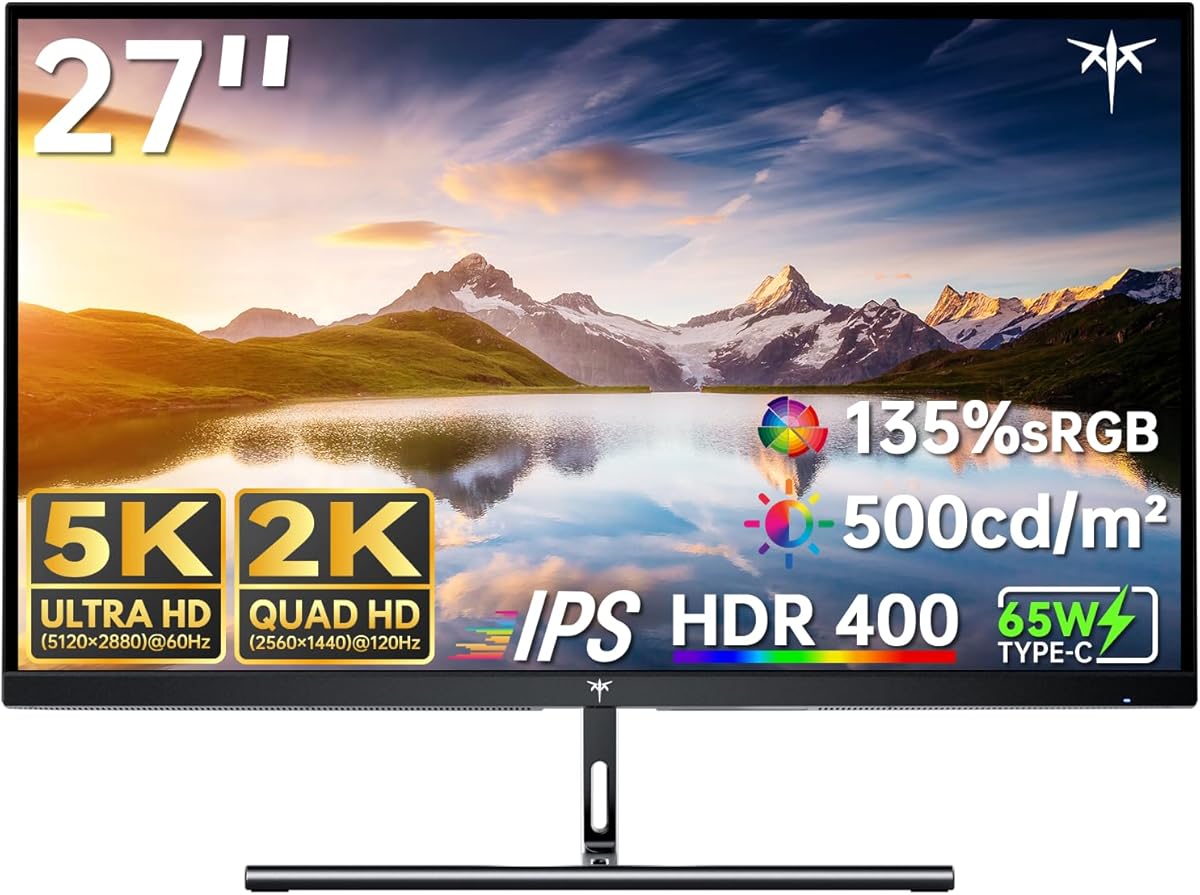
KTC 5K Monitor 27 Inch
4.4Editor score
Dual mode 5K and 2K support
135% sRGB color gamut coverage
65W Type-C fast charging port
Finding the perfect display for your workstation requires careful consideration of resolution, color accuracy, and connectivity options. A 27 Inch 5K Monitor offers exceptional clarity that rivals high-end print quality and sharpness. This category is ideal for creative professionals who need precise color representation and detailed text rendering for their daily workflows.
We analyzed ten leading models based on panel technology, refresh rates, and user feedback to compile this list. Our evaluation focuses on how each screen handles demanding tasks like video editing, 3D rendering, and competitive gaming. We also considered build quality, ergonomic adjustments, and the variety of ports available for modern setups.
Each selection in this guide highlights specific strengths, whether you prioritize budget-friendly performance or premium features like Thunderbolt connectivity. Note that availability and pricing can fluctuate frequently due to market conditions. Always verify current stock and offers before making your final purchasing decision to ensure you get the best value.
4.4Editor score

3.6Editor score

3.7Editor score
As an Amazon Associate we earn from qualifying purchases.
This side-by-side comparison outlines the key specifications and unique features of each selected display to help you make an informed decision.




The ASUS ProArt PA27JCV stands out as a top choice for professionals seeking precision and reliability. With a strong rating of 3.6 from verified buyers, it delivers consistent performance for demanding creative workflows. Its factory pre-calibrated display ensures that colors are accurate right out of the box.
We may earn a commission when you buy through this link, at no additional cost to you.
Color reproduction is a major strength here, covering 99% of the DCI-P3 gamut and 100% of sRGB. This makes it ideal for photo editing and design work where fidelity is critical. The ambient light sensor helps maintain consistent brightness and color temperature throughout the day.
One trade-off is that it is not designed for high-speed gaming, lacking high refresh rates found in other models. However, this is acceptable for its intended audience of professionals who prioritize color and clarity over motion performance. The inclusion of a five-year warranty adds significant value.
If you need a reliable display for Mac or PC workflows that requires minimal setup, this is the ideal pick. It offers a balance of performance and longevity that few competitors match. We recommend it for designers and editors who need trust in their tools.
The Delta E<2 calibration ensures that every hue is rendered exactly as intended, which is crucial for professional output.
The Auto KVM feature allows you to control two computers with one set of peripherals, saving desk space and time.
We may earn a commission when you buy through this link, at no additional cost to you.
The KTC 5K Monitor offers an accessible path to high-resolution work, carrying a strong 4.4 rating. It balances price and performance well, making it a favorite for users who want sharp visuals without breaking the bank. The dual-mode feature allows switching between 5K and 2K effortlessly.
We may earn a commission when you buy through this link, at no additional cost to you.
Color accuracy is impressive for this tier, with 99% DCI-P3 coverage ensuring vibrant and true-to-life images. The hardware low blue light and flicker-free features help reduce eye strain during long sessions. This makes it suitable for both design tasks and general productivity.
While it lacks some of the advanced ergonomics of more expensive units, it covers all essential needs effectively. The 65W power delivery means you can charge your laptop while connected, keeping your desk tidy. This simplicity is part of its appeal.
This monitor is perfect for students or freelancers who need a professional screen on a tighter budget. It delivers high-quality visuals that rival more expensive options. For those starting out in creative fields, this is a practical and capable choice.
Switching to 2K@120Hz allows for smoother gaming experiences, while 5K is reserved for creative work.
The DC dimming and low blue light settings are designed to protect your vision during extended use periods.
We may earn a commission when you buy through this link, at no additional cost to you.
The BenQ PD2730S is a powerhouse for high-end creative professionals, reflected in its 3.7 rating. It offers top-tier connectivity and design features that cater specifically to Mac users and those needing seamless multi-device workflows. The 90W power delivery ensures your laptop stays charged during heavy use.
We may earn a commission when you buy through this link, at no additional cost to you.
Its Nano Matte Panel is a standout feature, reducing glare significantly compared to glossy alternatives. This ensures that your focus remains on the content rather than reflections. The high contrast ratio delivers deep blacks and vibrant colors, essential for detailed visual storytelling.
The wireless Hotkey Puck makes switching between computers effortless without moving your hands from the keyboard. While the price is higher, the features justify the investment for serious professionals. The daisy chain capability allows for expanding your workspace without complex cabling.
This display is best suited for advanced users who need every advantage in color accuracy and workflow efficiency. If you work with VFX or 3D art, the clarity and connectivity make it worth the cost. It sets a high standard for modern creative monitors.
The Nano Matte surface diffuses light to ensure clear viewing even in bright environments with multiple light sources.
KVM switching simplifies your desk setup by allowing one mouse and keyboard to control multiple systems.
We may earn a commission when you buy through this link, at no additional cost to you.
The KTC 27 Inch 5K provides a compelling mix of specs and price, earning a 4.4 rating from users. It is built to handle both professional tasks and media consumption with ease. The 500cd/㎡ brightness ensures that visuals pop even in well-lit rooms.
We may earn a commission when you buy through this link, at no additional cost to you.
With 135% sRGB coverage, this panel offers vibrant colors that are excellent for casual gaming and video watching. The dual mode feature lets you switch between high resolution and higher refresh rates based on your needs. This flexibility is rare at this price point.
The build focuses on function, with tilt adjustments and basic ergonomics that fit most desks. While it lacks the advanced controls of premium models, it gets the job done efficiently. The eye-care features help maintain comfort during long daily sessions.
This is a great option for users who want high resolution without paying a premium. It works well for Mac mini setups and general productivity tasks. If you value brightness and color volume, this model delivers significant value.
The 500cd/㎡ brightness helps overcome ambient light, ensuring your content remains clear and vibrant.
Exceeding 100% sRGB allows for rich visuals in movies and games that standard monitors cannot match.
We may earn a commission when you buy through this link, at no additional cost to you.
The ASUS ROG XG27JCEG is designed for gamers who demand speed and clarity in equal measure. Its dual mode allows switching between detailed 5K visuals and ultra-fast 2K gaming. This flexibility makes it a versatile choice for mixed-use setups.
We may earn a commission when you buy through this link, at no additional cost to you.
The 0.3ms response time ensures that fast-moving objects remain sharp without ghosting. Technologies like ELMB Sync help maintain fluidity even during intense sessions. The inclusion of AI features such as Dynamic Shadow Boost provides a competitive edge.
While it excels at gaming, it also supports creative tasks with good color coverage. However, the focus is clearly on performance and visual fluidity. The USB-C port is useful for connectivity but offers less power than professional models.
This monitor is ideal for enthusiasts who want a single screen for both work and play. If you prioritize frame rates and clarity, this model delivers. It brings high-end specs to a 27-inch form factor effectively.
You can toggle between 80Hz for clarity and 320Hz for speed, optimizing the screen for the task at hand.
AI Visual and Dynamic Crosshair overlays give you a practical advantage in competitive shooters and strategy games.
We may earn a commission when you buy through this link, at no additional cost to you.
The Samsung 27 Odyssey G8 offers an immersive visual experience with its 180Hz refresh rate at 5K. This high refresh rate ensures smooth gameplay and fluid desktop navigation. The Fast IPS panel delivers consistent colors from wide angles.
We may earn a commission when you buy through this link, at no additional cost to you.
Dual Mode functionality allows switching to 360Hz at QHD for competitive shooters where speed is paramount. The near-instant response time minimizes blur, keeping every frame crisp. NVIDIA G-SYNC compatibility eliminates tearing, making motion seamless.
The ergonomic stand supports tilt, swivel, and height adjustments for comfortable viewing. Connectivity is comprehensive, with DP 2.1 supporting the high bandwidth needed for these specs. This makes it a future-proof choice for high-end rigs.
Gamers who need top performance will find this display unmatched in its category. It balances resolution and speed better than many competitors. If you want the best visual fidelity without sacrificing refresh rate, this is the pick.
The combination of high refresh rate and low response time makes fast action scenes look incredibly smooth.
Syncing the GPU and panel ensures that images render in real time, reducing lag and screen tearing.
We may earn a commission when you buy through this link, at no additional cost to you.
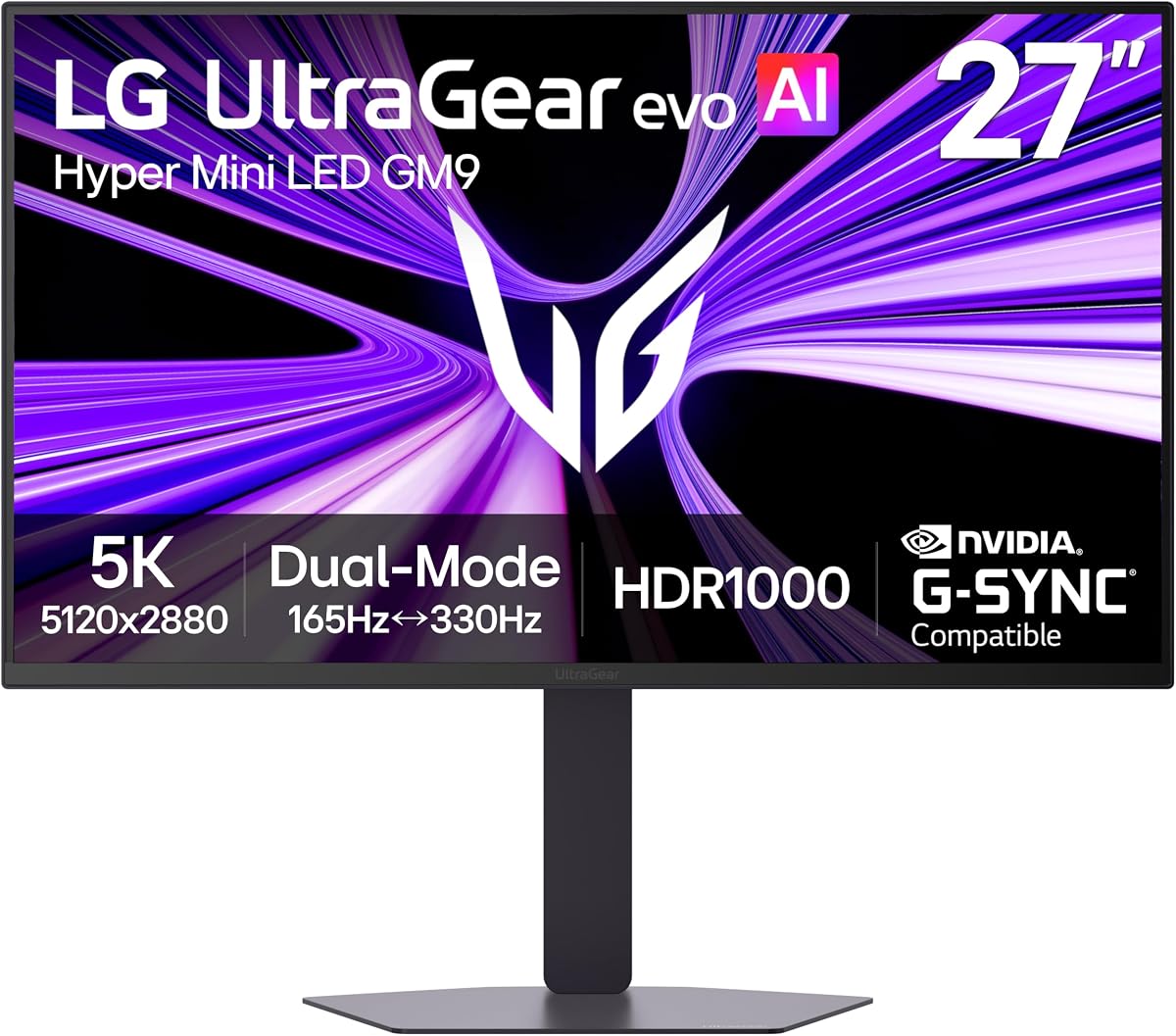
The LG 27GM950B-B utilizes Mini-LED technology to achieve impressive brightness and contrast levels. With 1250 nits peak brightness, it handles HDR content with brilliance. This makes it stand out for users who want vivid highlights.
We may earn a commission when you buy through this link, at no additional cost to you.
The 9216 LEDs provide precise local dimming, which improves deep blacks and reduces blooming. AI Upscaling enhances lower resolution content to 5K, making older assets look sharper. This processor ensures smooth performance across various inputs.
Connectivity includes DP 2.1 and USB-C with 90W power delivery for modern setups. While the price is higher, the technology offers features not found in standard IPS panels. The ergonomic adjustments help ensure comfort during long gaming sessions.
This monitor is for users who want the brightest and most dynamic visuals available. It is ideal for HDR gaming and media consumption. If you prioritize contrast and brightness, this model offers a significant upgrade.
The local dimming zones allow for precise control over backlight, resulting in deeper blacks and more vibrant highlights.
AI Upscaling analyzes input signals to improve detail, making it useful for non-native 5K content.
We may earn a commission when you buy through this link, at no additional cost to you.
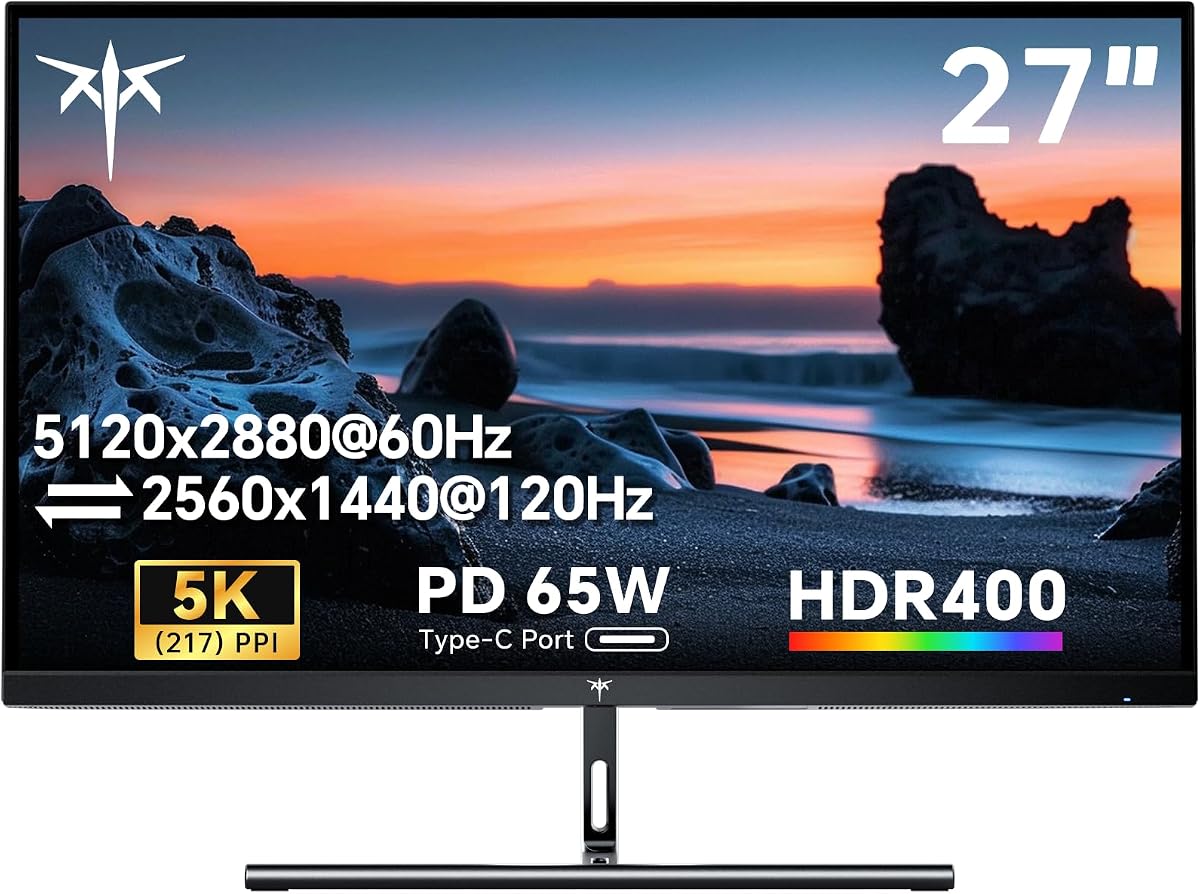
This KTC model is specifically designed to pair well with Mac Mini systems, offering compatibility and ease of use. The 217 PPI density ensures that text is crisp and readable, which is essential for productivity. It supports dual modes for flexibility.
We may earn a commission when you buy through this link, at no additional cost to you.
The HDR 400 support adds depth to supported content, making media consumption more immersive. While it does not have the highest brightness, it is sufficient for indoor environments. The warranty coverage provides peace of mind for users.
Connectivity is well thought out with USB-C and HDMI options to match modern laptops. It keeps your workspace organized by reducing the need for multiple adapters. This simplicity is ideal for users who want a straightforward setup.
It is a smart choice for those building a Mac workstation on a budget. It handles daily tasks efficiently without unnecessary complexity. If you need a clean and sharp display, this serves that purpose well.
Designed to work seamlessly with macOS scaling, ensuring icons and text look correct and sharp.
A three-year warranty ensures that you are covered for potential issues, adding value to the purchase.
We may earn a commission when you buy through this link, at no additional cost to you.
The Dell 27 Monitor S2725QC delivers a solid experience for productivity and light gaming with 4K resolution and 120Hz refresh. The ComfortView Plus technology helps reduce eye strain by filtering harmful blue light. This makes it ideal for all-day office work.
We may earn a commission when you buy through this link, at no additional cost to you.
The re-engineered sound system provides decent audio output, reducing the need for external speakers. The 65W USB-C port allows for single-cable connectivity to laptops. This simplicity helps keep desks tidy and organized.
While it does not reach 5K resolution, the refresh rate offers a smoother experience than standard 60Hz screens. This is valuable for scrolling and window management. The build quality reflects Dell's reputation for reliability.
This monitor is best for office professionals who need a balanced display. It offers smooth visuals and health-focused features. If you prioritize comfort and stability over raw resolution, this is a great choice.
ComfortView Plus is certified to reduce blue light while maintaining natural color balance.
Enhanced speakers offer richer sound than typical business monitors, improving video call quality.
We may earn a commission when you buy through this link, at no additional cost to you.
The LG 27UP850K-W distinguishes itself with a built-in webOS streaming platform that works independently of a PC. This allows for direct access to apps, which is handy when your computer is asleep. The 90W USB-C power delivery is powerful for laptop charging.
We may earn a commission when you buy through this link, at no additional cost to you.
With HDR 400 and 95% DCI-P3, the visual quality is vibrant and engaging for media. The MaxxAudio speakers enhance the viewing experience with deep bass and clear mids. This makes it a good media center monitor.
The Switch App helps manage multitasking by splitting the screen efficiently. While it is not a gaming display, it handles general tasks smoothly. The ergonomic stand allows for easy adjustment to fit any desk.
It is a versatile choice for home offices and living spaces. The integrated OS adds value for media streaming and smart home integration. If you want a monitor that doubles as a smart display, this is the model.
The webOS platform runs apps directly on the monitor, offering a standalone entertainment experience.
The 90W delivery ensures that even demanding laptops stay powered while connected via a single cable.
We may earn a commission when you buy through this link, at no additional cost to you.
Selecting the right monitor involves understanding your specific needs regarding resolution, color accuracy, and connectivity.
5K resolution provides 5120 by 2880 pixels, resulting in high pixel density that makes text exceptionally sharp and detailed. This is crucial for professionals who read long documents or analyze detailed images where clarity matters.
Prioritize a monitor with at least 200 PPI to ensure the 5K standard is met without pixelation.
For design and video editing, coverage of DCI-P3 and sRGB is essential to ensure colors look correct across devices. High color accuracy ensures that your work translates well from screen to print or web.
Look for factory calibration or Delta E below 2 for trustworthy color performance out of the box.
Modern workflows rely on USB-C to combine video, data, and charging into one cable. Ensuring the monitor supports high wattage delivery means you can charge your laptop without a separate brick.
Verify support for USB-C with at least 65W to 90W power delivery for a clean and functional workspace.
IPS panels offer the best viewing angles and color consistency for most users. While VA or TN panels exist, IPS remains the standard for color-critical work due to its balanced performance.
Choose IPS for professional work to avoid color shifting when viewing the screen from different angles.
While professional monitors usually target 60Hz, gaming-focused 5K displays may offer higher rates. If you switch between creative work and gaming, a higher refresh rate can make desktop interactions feel smoother.
Consider a dual-mode monitor if you need both high resolution and high refresh rates for gaming.
An adjustable stand with tilt, height, and swivel helps reduce strain during long sessions. Proper ergonomics prevent neck and back pain by allowing you to align the screen correctly.
Ensure the monitor has a full range of adjustments to fit your desk height and posture needs.
A good warranty indicates confidence in product quality and protects your investment over time. Professional models often come with extended warranties to minimize downtime.
Look for a minimum of three years warranty coverage to safeguard against defects.
Prices vary significantly between basic and high-end 5K displays. Determine your maximum spend to find the best balance of features.
Decide what your budget is to find the model that offers the best value for your specific needs.
Start by connecting your device using a high-quality USB-C or Thunderbolt cable that supports the required bandwidth. This ensures you get the full 5K resolution without flickering or signal drops. Adjust the brightness and contrast to match your room lighting.
Clean the screen regularly with a soft microfiber cloth to avoid scratches. Do not use harsh chemicals or paper towels on the surface. Gently wipe away dust and smudges to maintain clear visibility and protect the panel.
Calibrate your display occasionally using software tools to keep colors accurate over time. Adjust your viewing height so that the top of the screen is at or slightly below eye level. This helps maintain a healthy posture and reduces eye fatigue.
Yes, a 5K monitor provides exceptional clarity that matches high-end print quality, making it ideal for photo editing and design. The high pixel density ensures text and graphics are sharp, which reduces eye strain. It is a valuable tool for professionals who demand the best visual fidelity.
Some models support dual modes to switch to higher refresh rates suitable for gaming. Standard 5K monitors often focus on 60Hz which is fine for casual play. Look for gaming-specific features like G-SYNC if you play fast-paced titles.
Running 5K resolution requires a decent graphics card to handle the high pixel count effectively. If you do not have a powerful GPU, consider a monitor with dual mode to lower the resolution for smoother performance. This balances visual quality with system capability.
A Nano Matte Panel reduces glare and reflections significantly compared to glossy screens. This helps you work comfortably in bright environments without distractions. It also maintains color accuracy while diffusing ambient light.
KVM switching allows you to control two different computers using a single keyboard and mouse. This saves desk space and eliminates the need for multiple peripherals. It streamlines your workflow when you need to manage multiple systems.
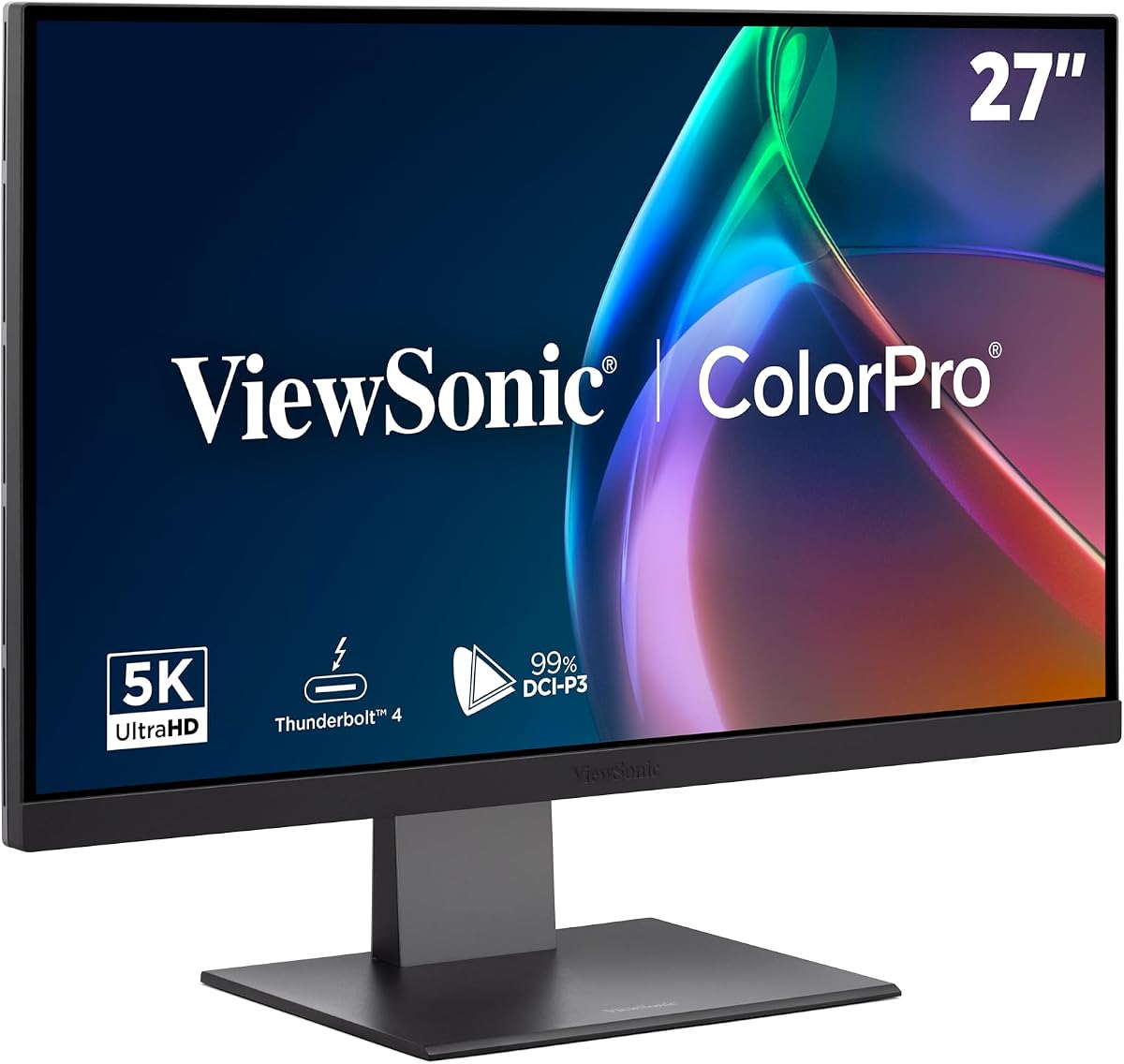
Thunderbolt monitors work best with Macs that have Thunderbolt 3 or 4 ports. Older Macs may require adapters to reach full speed or power delivery. Check your Mac's ports to ensure full compatibility before buying.
The ASUS ProArt PA27JCV leads as the top choice for professionals due to its balance of accuracy and features. The KTC 5K Monitor offers the best budget-friendly entry into 5K resolution without sacrificing essential quality. For those needing premium connectivity, the BenQ PD2730S provides unmatched Thunderbolt utility.
Prioritize features that align with your daily tasks, whether that is color fidelity for creative work or speed for gaming. A monitor with a good warranty and robust build quality ensures a long lifespan. Focus on connectivity to ensure your setup remains future-proof.
Always check current availability and prices before finalizing your order as these figures can change. Ensure you have the right cables to support the full resolution and power capabilities of your new display. With the right choice, you will enjoy a clearer and more efficient workspace.