
Samsung 32 Odyssey G8
3.7Editor score
165Hz Refresh Rate
Dual Mode Support
Fast IPS Panel
This guide compares the top 32 inch 6K monitors for professionals, gamers, and creators based on resolution, color accuracy, connectivity, and performance.
Finding the right 32 inch 6K monitor can transform your workflow and creative output. These displays offer immense pixel density and sharpness for detailed work and immersive media consumption.
We have compared ten leading models focusing on resolution clarity, color gamut coverage, connectivity options, and overall build quality to help you choose the best fit for your needs.
Each pick highlights specific strengths and trade-offs for different user types. Keep in mind that prices and availability change frequently so check current listings before making your final decision.
3.7Editor score

3.8Editor score

5.0Editor score
This table provides a side-by-side overview of all ten selected monitors highlighting key specifications and features to help you quickly compare their capabilities.


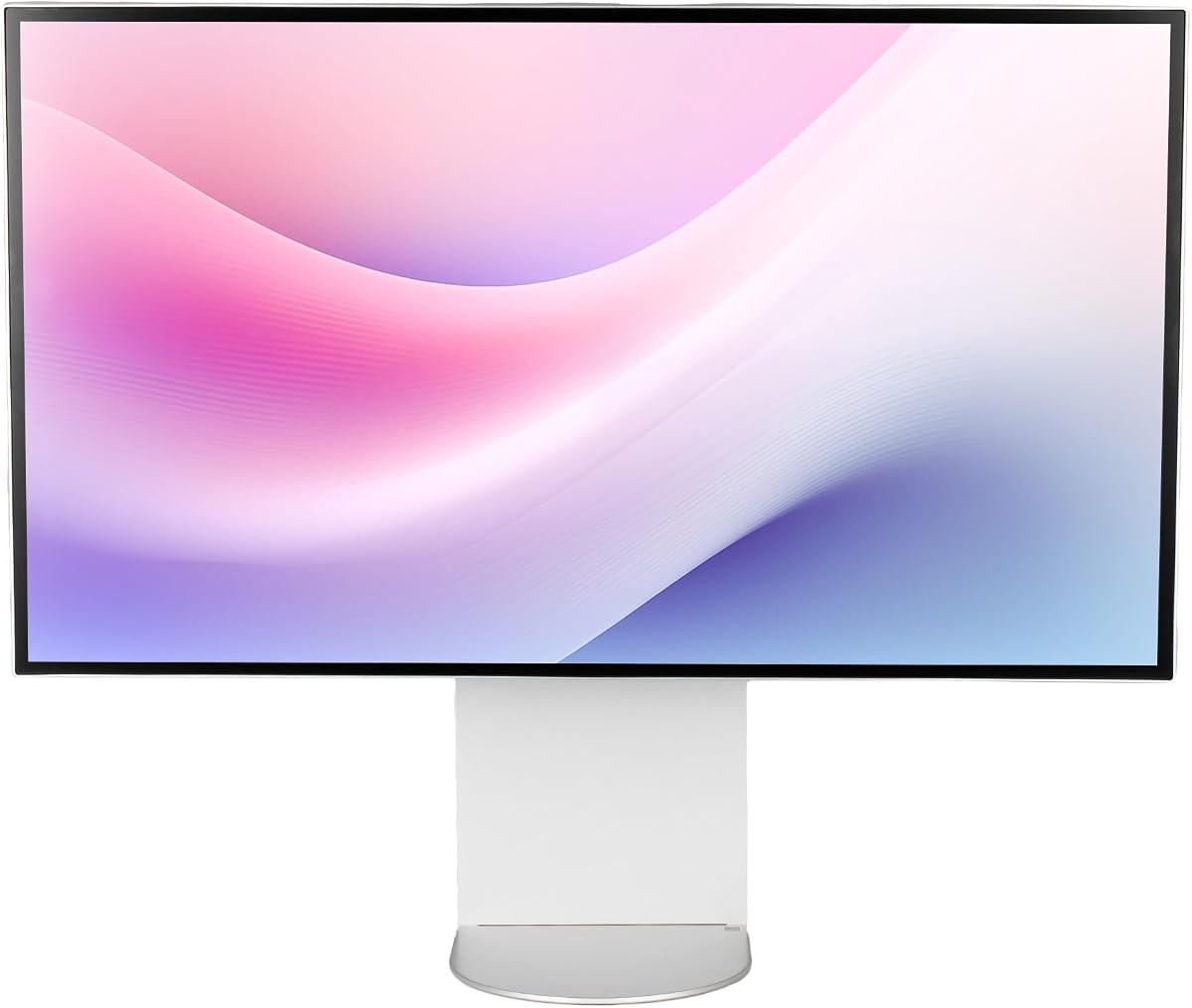
The LG 32U990A-S stands out as the world's first 6K monitor with Thunderbolt 5 support making it ideal for professionals needing fast data transfer and high bandwidth.
We may earn a commission when you buy through this link, at no additional cost to you.
Its Nano IPS Black panel offers a 2000:1 contrast ratio with deep blacks and vibrant colors covering 99.5 percent of Adobe RGB for accurate creative work.
While it runs at 60Hz which limits gaming utility the sheer pixel density and color fidelity make it a powerhouse for design and video production workflows.
Creative professionals seeking future proof connectivity and exceptional image quality will find this monitor delivers on both fronts with robust Mac compatibility.
Thunderbolt 5 enables ultra fast transfer speeds up to twice as fast as Thunderbolt 4 plus 96W power delivery over a single cable.
With DisplayHDR 600 and real 10-bit color depth you get smooth tonal transitions and consistent results from screen to print.
We may earn a commission when you buy through this link, at no additional cost to you.
The ASUS ProArt PA32QCV is tailored for Mac users with a dedicated color preset mode that matches MacBook display performance for seamless workflow integration.
We may earn a commission when you buy through this link, at no additional cost to you.
Factory calibration ensures Delta E less than 2 accuracy out of the box and it covers 98 percent of the DCI-P3 gamut for rich and vibrant visuals.
Features like Auto KVM switching and Thunderbolt 4 connectivity simplify multitasking between devices though you may need premium cables to unlock full speed.
Mac users prioritizing color consistency and professional reliability should consider this monitor which also offers an extended warranty and Adobe Creative Cloud subscription.
Calman Verified factory calibration provides excellent color accuracy and consistent results for critical editing tasks across different projects.
Built-in Auto KVM lets you switch between two laptops effortlessly using one keyboard and mouse which streamlines your desk setup.
We may earn a commission when you buy through this link, at no additional cost to you.
The Samsung 32 Odyssey G8 is the industry's first 6K gaming monitor offering dual modes for breathtaking visuals at 165Hz or lightning fast action at 330Hz.
We may earn a commission when you buy through this link, at no additional cost to you.
Its Fast IPS panel ensures vivid colors across wide angles while G-Sync and FreeSync compatibility eliminate screen tearing for smooth gameplay experiences.
Although it is marketed for gaming the high resolution makes it useful for productivity too though the focus on refresh rate may reduce static clarity slightly.
Gamers wanting a single monitor that handles both high fidelity media and competitive titles will appreciate its versatility and strong performance features.
Switch between 6K resolution for detail and 3K at 330Hz for fast motion giving you flexibility for work or intense gaming sessions.
With 224 PPI the screen defines scenes with intricately rendered details that enhance immersion in both games and media consumption.
We may earn a commission when you buy through this link, at no additional cost to you.
The Dell UltraSharp U3224KB focuses on maximum productivity with added dependability making it a strong candidate for office environments and general professional tasks.
We may earn a commission when you buy through this link, at no additional cost to you.
Its 6K screen mode provides striking clarity and the USB Type-C connection allows quick transmission of data and charging over a single cable convenience.
While not optimized for color critical work it delivers visual brilliance with LED backlight technology and a 60Hz rate that reduces blur effectively.
Office workers needing sharp text and reliable performance will find this monitor meets daily needs without requiring complex setup or premium features.
USB Type-C supports data transmission at a higher rate for your convenience simplifying connections to modern laptops and peripherals.
A 31.5 inch viewable screen size showcases content with clarity in well lit areas thanks to 450 nit brightness.
We may earn a commission when you buy through this link, at no additional cost to you.
This bundle includes the LG UltraFine evo monitor plus cable ties and a cleaning kit making it a complete workstation package for professionals setting up from scratch.
We may earn a commission when you buy through this link, at no additional cost to you.
It features studio grade color accuracy with 10 bit color support and wide gamut coverage ensuring your work looks consistent across different media.
The included KVM functionality lets you control two connected computers using a single keyboard and mouse which is a major productivity booster.
Buyers looking for a full solution with essential accessories and ergonomic adjustments will find value in this comprehensive offering from LG.
KVM functionality allows you to control two computers with one keyboard and mouse in picture by picture or picture in picture modes.
Achieve studio grade color accuracy with true 10 bit color support and wide gamut coverage for demanding critical work.
We may earn a commission when you buy through this link, at no additional cost to you.
The G32X Minimalist Monitor delivers immersive visuals with 500 nit brightness and 98 percent DCI-P3 coverage ensuring balanced visuals for HDR content.
We may earn a commission when you buy through this link, at no additional cost to you.
Its 100W high speed port charges laptops and phones while streaming 6K video which reduces cable clutter on your desk significantly.
Anti-glare screen and flicker-free backlighting minimize eye fatigue during long work sessions making it comfortable for extended daily usage.
Users seeking a premium looking monitor with strong brightness and connectivity without branding noise will appreciate this minimalist option.
500 nit brightness delivers deeper blacks and brighter highlights for immersive HDR content and professional editing tasks.
Includes height adjustable swivel tilt and pivot design for personalized comfort along with universal mount compatibility.
We may earn a commission when you buy through this link, at no additional cost to you.
The G32P Honeycomb Monitor features a CNC-machined aluminum body with honeycomb cooling ensuring premium durability and sleek aesthetics for high end setups.
We may earn a commission when you buy through this link, at no additional cost to you.
Its 223 PPI resolution provides stunning clarity for both work and entertainment with a glossy finish that enhances image vibrancy indoors.
While it does not include a stand the robust build and high brightness make it a solid choice for custom arm installations.
Enthusiasts wanting a durable and visually striking monitor with excellent thermal management will value this premium design choice.
CNC-machined aluminum body with honeycomb cooling ensures premium durability and sleek aesthetics for high end setups.
Advanced IPS panel enhances dark scenes while maintaining 99 percent sRGB and DCI-P3 color accuracy for lifelike details.
We may earn a commission when you buy through this link, at no additional cost to you.
This bundle includes the Dell UltraSharp 32 6K Monitor plus a 2 year premium extended service protection plan for added dependability and peace of mind.
We may earn a commission when you buy through this link, at no additional cost to you.
It comes with essential cables like Thunderbolt 4 and Mini DisplayPort cables reducing the need to buy accessories separately.
The monitor itself offers maximum productivity with striking clarity and efficient LED backlight technology suitable for office and general use.
Business buyers prioritizing warranty coverage and ready to use setup will find this bundle offers practical value and support.
Includes a 2 year premium extended service protection plan to safeguard your investment against potential hardware issues.
In the box includes monitor plus multiple cables ensuring you have what you need for immediate connection to devices.
We may earn a commission when you buy through this link, at no additional cost to you.
The ALOGIC 32 Clarity Touch is the world's first 6K touchscreen monitor offering an immersive digital drafting board for artists and architects.
We may earn a commission when you buy through this link, at no additional cost to you.
It comes with an active stylus and a fold stand allowing you to switch from upright mode to a flat drawing surface seamlessly.
Factory calibrated color gamuts ensure true to life colors which is crucial for design work and visual accuracy across projects.
Artists and designers needing direct touch interaction on a massive high resolution screen will find this monitor unmatched in capability.
Combined with active stylus the monitor becomes a remarkable 32 inch digital drawing board with 4096 levels of pressure sensitivity.
World's first 6K touchscreen eliminates barriers between you and your ideas with intuitive multitouch controls like pinch to zoom.
We may earn a commission when you buy through this link, at no additional cost to you.
The LG Ultrafine 32U990A-S offers a standard setup with Nano IPS panel and 60Hz refresh rate suitable for general creative and office needs.
We may earn a commission when you buy through this link, at no additional cost to you.
It supports tilt height adjustable and pivot adjustments plus VESA mounting giving you flexible positioning options for any workspace.
While it lacks some advanced connectivity of newer models it still delivers the core 6K resolution clarity most professionals require.
Users seeking a reliable LG display without premium features will find this model provides essential performance at a lower tier.
Tilt height adjustable pivot and VESA mounting support help create a comfortable optimized workspace for long hours.
Nano IPS panel anti-glare and HDR 600 deliver crisp contrast and vibrant color accuracy for viewing pleasure.
We may earn a commission when you buy through this link, at no additional cost to you.
Choosing the right 32 inch 6K monitor involves evaluating resolution connectivity color accuracy and ergonomics to match your specific workflow needs.
6K resolution offers over 21 million pixels on a 32 inch panel providing razor sharp text and detail for creative work. This high pixel density allows you to view full resolution content while keeping tool panels visible without scaling issues.
Look for monitors with 224 PPI or higher to ensure text remains crisp and images appear smooth without visible pixels.
Nano IPS and standard IPS panels deliver wide viewing angles and accurate colors essential for design and media consumption. Nano IPS Black improves contrast ratios significantly for deeper blacks compared to standard IPS panels.
Choose Nano IPS Black if you need better shadow detail or standard IPS if you prioritize consistent color across angles.
Professional work requires wide color gamut coverage such as 98 percent DCI-P3 or 99.5 percent Adobe RGB for accurate editing and printing results. Factory calibration ensures color accuracy out of the box without needing extra tools.
Always check the specific DCI-P3 and sRGB percentages listed in specifications before purchasing for professional use.
Thunderbolt 5 provides ultra-fast data transfer speeds and single cable power delivery which simplifies workstation setup for Mac and Windows laptops. HDMI and DisplayPort options ensure compatibility with older devices or gaming consoles.
Ensure the monitor has the specific port types you need for your current devices to avoid expensive adapters.
Most 6K monitors run at 60Hz which is ideal for productivity but gamers may look for dual mode options allowing higher refresh rates at lower resolutions. A fast response time reduces motion blur during dynamic content viewing.
Prioritize 60Hz for static work or higher refresh rates if you plan to use the monitor for gaming regularly.
Adjustable stands with tilt swivel pivot and height controls help maintain a comfortable viewing posture during long work sessions. VESA mount compatibility allows you to use third party arms for flexible desk layouts.
Check if the monitor includes a stand or if you need to purchase a compatible mount separately.
High brightness levels like 500 nits or HDR 600 certification produce brilliant highlights and vivid color accuracy especially for HDR content editing. Better brightness ensures clear visibility in well lit rooms.
Look for DisplayHDR ratings to confirm the monitor meets specific brightness and contrast standards.
Extended warranty options or bundled protection plans can safeguard your investment against defects or failures over time. Reputable brands often offer online registration for added coverage periods.
Consider the warranty length and support policies when comparing similar monitors to ensure long term reliability.
Connect your laptop using the recommended cable such as Thunderbolt or USB-C to ensure full resolution and power delivery capabilities without bottlenecks.
Clean the screen regularly with a soft microfiber cloth and LCD cleaner to avoid scratching the coating and keep pixels sharp over time.
Adjust monitor height and tilt to reduce eye strain and keep your neck in a neutral position during extended work or creative sessions.
A 32 inch 6K monitor provides significantly more pixels and higher pixel density which results in sharper text and finer image detail. This allows you to see more content at native resolution without scaling which enhances productivity for designers and editors.
Yes running a 6K display requires a capable GPU and recent processor to render content smoothly. Mac users with M series chips or Windows PCs with modern dedicated graphics cards will handle 6K resolutions more effectively.
Thunderbolt 4 or 5 cables are recommended for 6K monitors to support high bandwidth and power delivery. Ensure the cable meets the required version specification to avoid connection issues or reduced performance.
Some 6K monitors like the Samsung Odyssey G8 offer dual mode support for gaming but most run at 60Hz which limits high speed gaming. Gamers should check refresh rate options and compatibility with G-Sync or FreeSync.
Yes many of the reviewed monitors support both Mac and Windows systems with appropriate ports and calibration presets. Always verify the specific compatibility features before purchasing for your operating system.
Some models like the LG UltraFine evo include built-in speakers for basic audio needs but dedicated speakers are recommended for critical listening. Check product specifications to confirm audio features included with your choice.
Our top picks include the LG 32U990A-S for Thunderbolt 5 workflows the ASUS ProArt for Mac users and the Samsung G8 for high refresh gaming versatility.
Prioritize color accuracy and resolution density if you are a creative professional or refresh rates if you game to find the best value for your needs.
Always check current prices and availability since these models may change in cost or stock over time before making your final purchase decision.