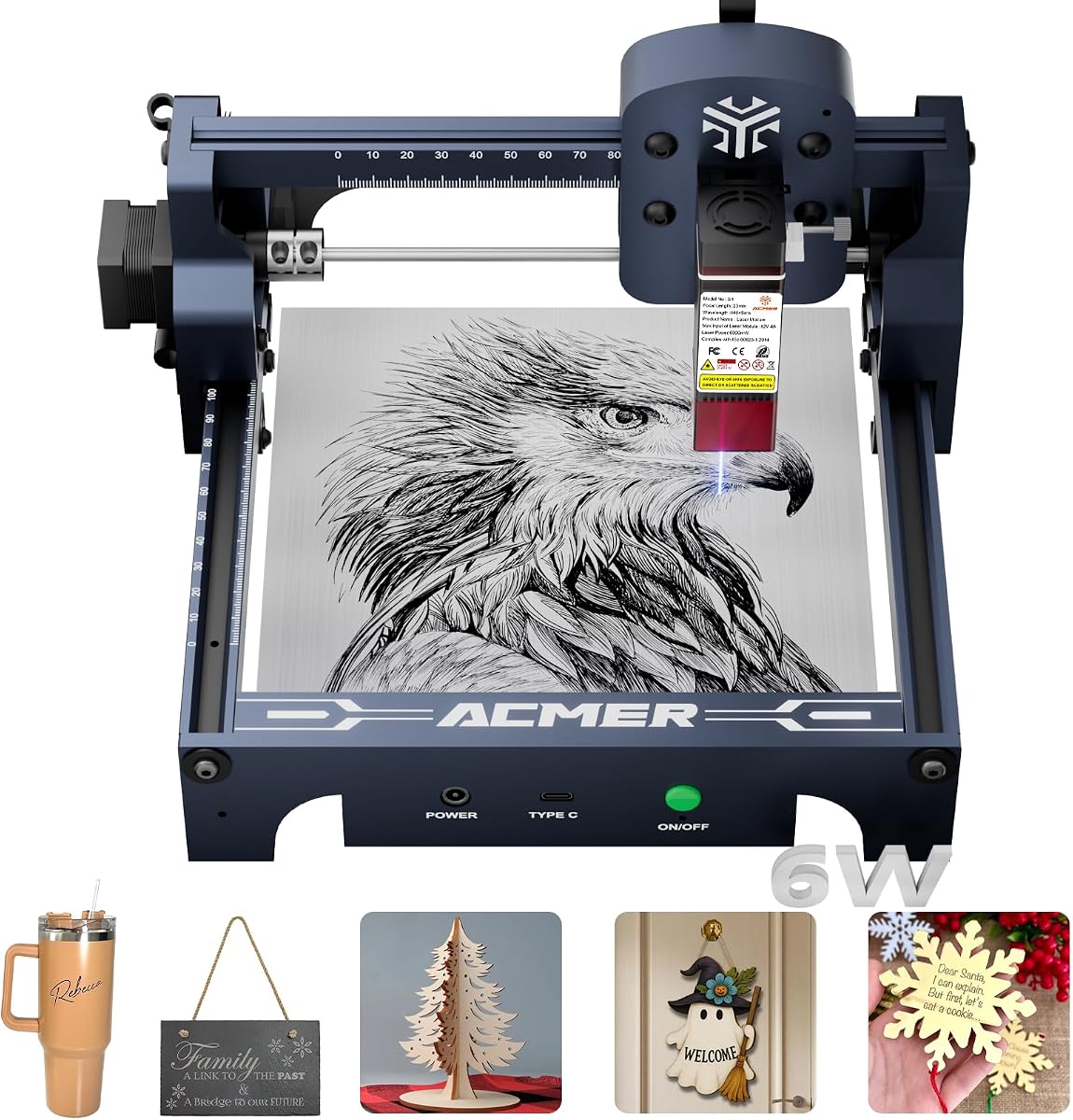
ACMER S1 Laser Engraver Machine
4.3Editor score
99% preassembled design
6000mW laser power
130x130mm workspace
This guide compares the top Acmer laser engraver models for precision and speed helping you choose the right diode cutter for your projects.
Finding the right laser engraver can transform your creative workflow. Acmer offers reliable diode machines for hobbyists and small businesses seeking precision cutting and detailed engraving on various materials.
We evaluated ten current Acmer models based on power output, workspace size, software compatibility, and safety features. This list highlights the best options for different needs and budgets without favoring any specific brand.
Each pick includes detailed specs, pros, and cons to help you decide. Prices and availability change frequently so always check the current listing before purchasing your next laser engraving machine.
4.3Editor score

4.4Editor score

5.0Editor score
The following table provides a side-by-side look at key specifications for all ten Acmer laser engraver models featured in this guide.



The ACMER S2 Laser Engraver stands out as a top choice for makers needing balance of power and precision. With a rating of 4.4 stars it offers a true 12W laser module capable of handling over 100 materials.
We may earn a commission when you buy through this link, at no additional cost to you.
Its 300x300mm workspace provides ample room for signs and layered art. The refined 0.08mm laser spot ensures intricate patterns and photos are reproduced with clean consistent results ideal for personalized gifts.
While the ACMER Studio software is user-friendly new users might need time to master advanced settings. Assembly is straightforward but requires patience to ensure optimal alignment for best performance.
This model is ideal for hobbyists and small businesses seeking flexibility. Whether you need deep cuts or fine details the S2 delivers reliable results that support growth in your projects.
The 0.01mm positioning accuracy allows for sharp text and complex designs without blurring or misalignment during long engraving sessions.
Optional rotary modules and risers let you transition from flat engraving to cylindrical objects like tumblers as your skills advance.
We may earn a commission when you buy through this link, at no additional cost to you.
This variant of the ACMER S2 emphasizes speed and AI-driven design capabilities. Rated at 4.3 stars it is designed for users who want to turn photos or text prompts into engraving designs quickly.
We may earn a commission when you buy through this link, at no additional cost to you.
The advanced 32-bit chip enables speeds up to 10000mm/min making it efficient for larger projects. It cuts up to 15mm paulownia wood which is superior to typical 10W machines on the market.
Beginners might find the free Acmerstudio software initially overwhelming due to its many options. However once set up the workflow is smooth for regular creative tasks requiring high precision.
Ideal for hobbyists looking to upgrade from entry-level machines this model offers a strong balance of performance and ease of use. It handles both detailed engraving and deeper cuts effectively.
Built-in AI allows you to convert text prompts or photos into engraving designs reducing manual setup time and boosting creativity.
With engraving speeds reaching 10000mm/min this model saves time on larger batches while maintaining consistent quality across materials.
We may earn a commission when you buy through this link, at no additional cost to you.
The ACMER S1 is an excellent entry-level option for hobbyists on a budget. With a rating of 4.3 stars it arrives 99% preassembled allowing you to start engraving in minutes.
We may earn a commission when you buy through this link, at no additional cost to you.
Its compact 130x130mm workspace fits easily on home desks without sacrificing performance. The 6000mW diode laser handles wood leather and acrylic for most small DIY crafts and signs.
While the smaller workspace limits larger projects its portability and light weight make it easy to store or move. The included Class 4 laser certification ensures safe operation with proper eyewear.
Perfect for beginners seeking a low-risk introduction to laser engraving this model balances cost and capability. It offers reliable precision and speed for small batches or personal creative projects.
The 99% preassembled design means you only need one minute to install the laser head making it ideal for first-time users.
Weighing only 2kg the S1 is easy to carry and store so you can set up your workshop anywhere without taking up much space.
We may earn a commission when you buy through this link, at no additional cost to you.
This ACMER S2 variant has achieved a perfect 5.0 rating due to its exceptional safety and ease of use. The 7W laser output handles over 100 materials with consistent clean edges and sharp details.
We may earn a commission when you buy through this link, at no additional cost to you.
Safety is a priority with an anti-UV protective shield motion detection auto-pause and included laser goggles. These features make it suitable for home workshops classrooms and shared creative spaces.
The 300x300mm workspace allows for signs and multi-piece layouts without frequent repositioning. While the 7W power is lower than 12W models it is sufficient for most engraving and light cutting tasks.
Ideal for users prioritizing safety and simplicity this model removes barriers to entry. It balances performance with peace of mind ensuring a secure environment for beginners and experienced makers alike.
Motion detection auto-pause stops operation if abnormal movement is detected protecting users from accidental exposure during operation.
The 300x300mm area accommodates larger projects like signs and gifts reducing downtime from constant material adjustments.
We may earn a commission when you buy through this link, at no additional cost to you.
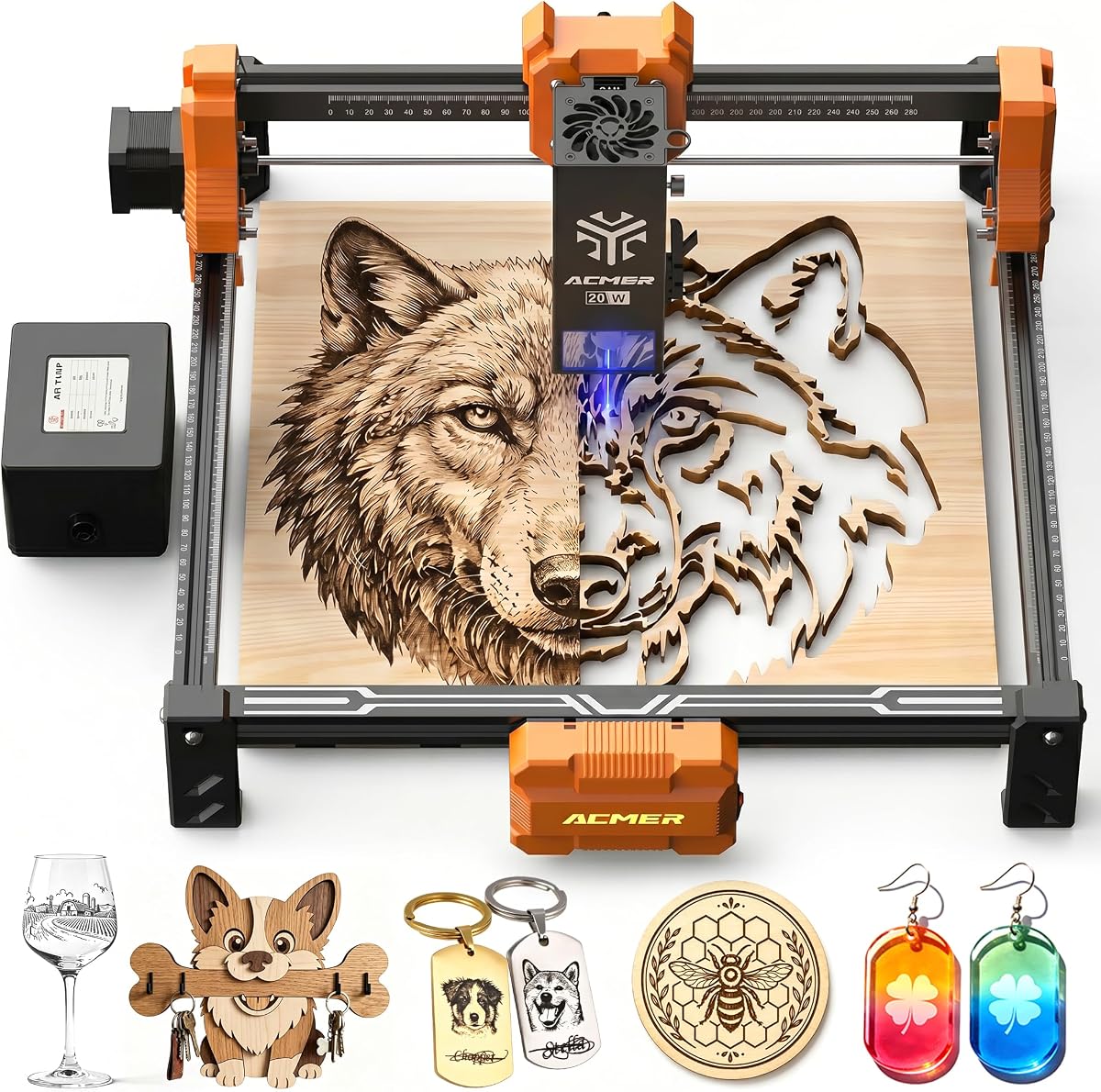
The ACMER P1 S Pro delivers pro-level performance with a perfect 5.0 rating. Its true 20W laser module and built-in 25L/min air assist ensure cleaner cuts and minimal smoke residue on materials.
We may earn a commission when you buy through this link, at no additional cost to you.
Designed for stability the machine runs smooth up to 10000mm/min with acceleration up to 500mm/s². It handles both fine details and deep cuts on wood acrylic leather and ceramic with ease.
The air assist pump protects your lens and reduces burn marks significantly. While the price is higher this efficiency and quality justify the investment for serious hobbyists and small businesses.
Ideal for those needing reliable batch production or detailed work this model offers durability and precision. It supports multiple file formats and operates on Windows macOS and Linux systems.
The 25L/min pump clears debris during cutting improving edge quality and protecting the lens from smoke buildup.
With 20000mW power and fast acceleration it handles demanding projects efficiently without compromising on detail or consistency.
We may earn a commission when you buy through this link, at no additional cost to you.
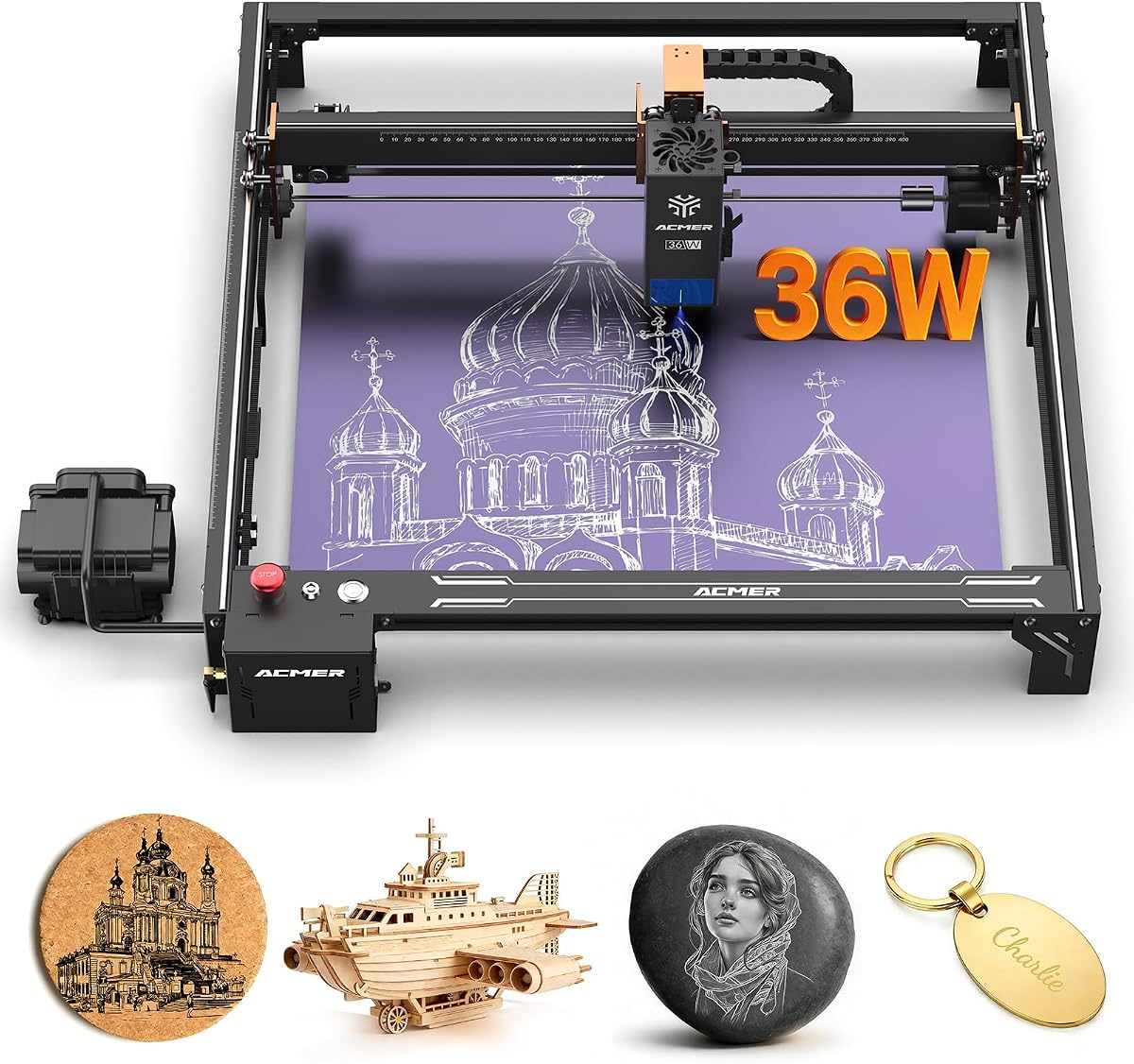
The ACMER S2 Pro targets small businesses needing industrial stability. With a 36000mW laser module and dual linear rails it maintains precision even at high speeds of 24000mm/min.
We may earn a commission when you buy through this link, at no additional cost to you.
Its 400x400mm workspace supports both detailed work and larger projects. The built-in 30L/min air pump reduces burn marks and smoke ensuring cleaner edges and better quality output.
Safety features include tilt protection emergency stop and child lock. The 4.1 rating suggests some users may find it complex but professionals value its speed and reliability for batch runs.
Ideal for advanced users seeking high throughput this model handles complex graphics and long production runs with minimal vibration. It supports wireless control via WiFi for convenient setup.
Dual linear rails ensure minimal vibration during high-speed operation reducing misalignment for precise engraving and cutting.
The 400x400mm area allows for bigger layouts without frequent material repositioning saving time on larger projects.
We may earn a commission when you buy through this link, at no additional cost to you.
This ACMER S2 model achieves a perfect 5.0 rating for its balance of power and safety. The 20W diode laser and 25L/min air assist deliver professional-grade cuts on wood acrylic and leather.
We may earn a commission when you buy through this link, at no additional cost to you.
Supporting speeds up to 10000mm/min and acceleration of 300mm/s² it ensures efficient stable operation. The limit switches prevent the laser head from hitting the frame adding a layer of hardware protection.
Air assist significantly reduces burn marks and improves edge quality making it ideal for detailed projects. Users appreciate its seamless compatibility with Windows macOS and Linux software environments.
Perfect for those needing reliability for daily use this model combines robust performance with user safety. It handles both intricate designs and deeper cutting projects with consistent quality.
The 25L/min pump clears smoke and debris during cutting improving edge quality and protecting the laser lens.
Built-in limit switches define the working area accurately preventing accidental collisions with the frame during operation.
We may earn a commission when you buy through this link, at no additional cost to you.
The ACMER P3 offers switchable dual laser outputs of 24W and 48W rated 5.0. Its closed box design reduces 90% of smoke and sound creating a safer and cleaner workspace environment.
We may earn a commission when you buy through this link, at no additional cost to you.
Advanced CoreXY structure ensures high-speed precision with 0.08mm compressed spot technology. The built-in camera module allows easy material positioning and alignment without manual guesswork.
Safety is prioritized with automatic fire detection over-temperature protection and tilt protection. While the setup is more complex the industrial-grade build and safety features justify the investment.
Ideal for professional users or serious hobbyists this model handles over 200 materials efficiently. It supports WiFi and offline control offering flexibility for various workflow needs.
Dual outputs allow you to switch between 24W and 48W depending on material needs optimizing speed and precision.
The closed box design and fire detection ensure a secure environment reducing smoke and noise for safer operation.
We may earn a commission when you buy through this link, at no additional cost to you.
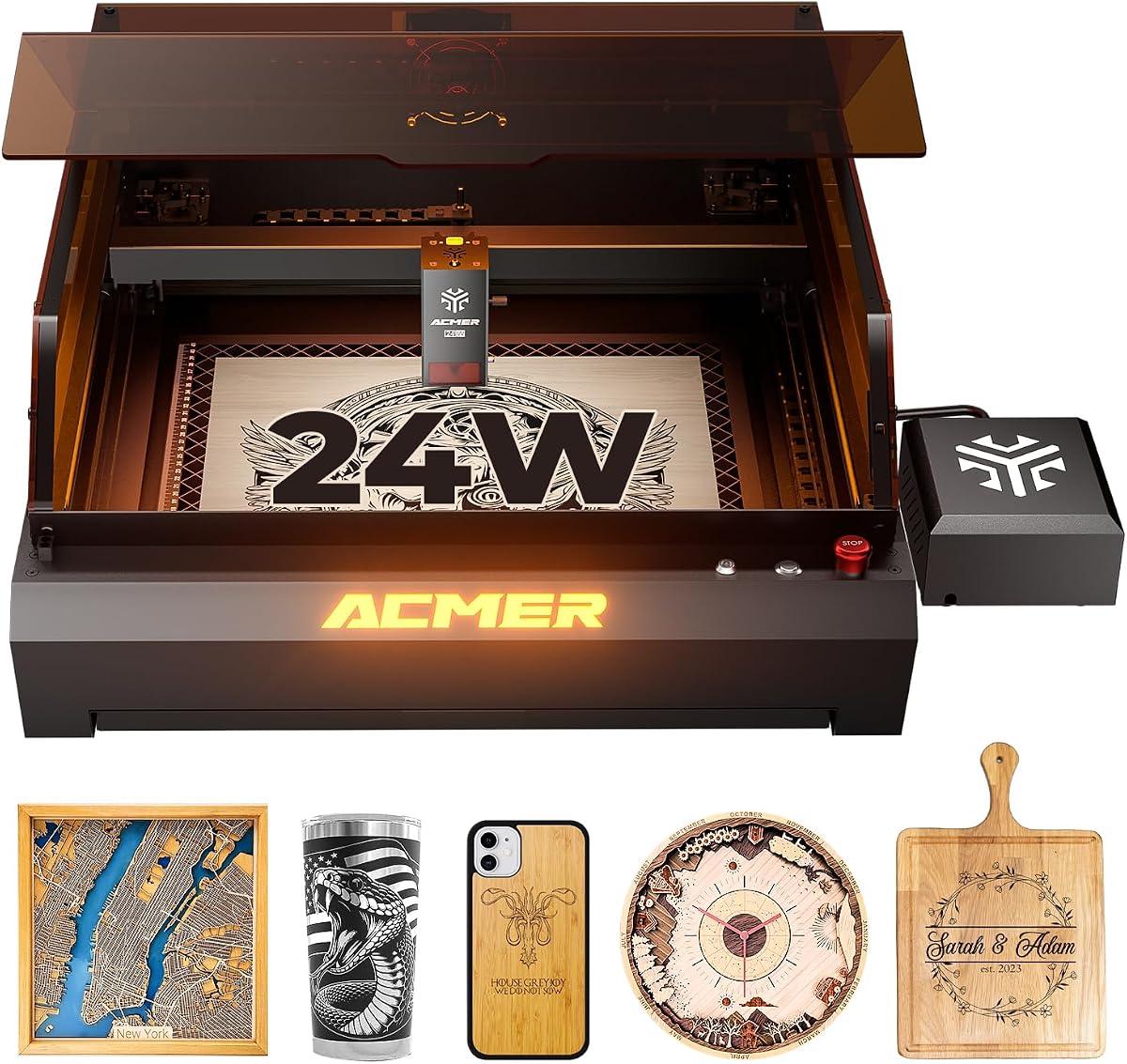
This desktop ACMER P3 model delivers 24W output with a closed housing for safer operation. Rated 5.0 it includes a built-in camera module for easy dragging and positioning of engraving materials.
We may earn a commission when you buy through this link, at no additional cost to you.
The aviation grade frame and CoreXY structure ensure stability even at high speeds. It reduces 90% smoke pollution and includes flame detection and tilt protection for added safety.
Its 400x400mm workspace breaks boundaries for larger projects. While the price is higher the integration of camera and housing simplifies workflows for detailed and repetitive tasks.
Ideal for users valuing safety and precision this model handles wood acrylic and coated metals with ease. It supports mobile apps and desktop software for versatile control options.
Built-in camera allows free dragging of materials and up to 2mm positioning accuracy simplifying setup and alignment.
Closed housing reduces smoke and noise while flame and tilt detection ensures a secure environment during operation.
We may earn a commission when you buy through this link, at no additional cost to you.
The ACMER P1 S Pro 6W offers a large workspace and perfect 5.0 rating. Its dual-beam laser module achieves precision down to 0.01mm and supports speeds up to 10000mm/min.
We may earn a commission when you buy through this link, at no additional cost to you.
Wireless connectivity via WiFi and TF card allows flexible operation. The 380x370mm workspace provides ample room for large-scale designs and optional rotary attachments for tumblers.
It handles over 100 materials from wood to coated metals. While cutting thickness is limited its speed and accuracy make it suitable for detailed engraving and light DIY projects.
Ideal for beginners needing a large workspace this model balances ease of use with performance. It includes protective glasses ensuring safe operation for all users.
The 380x370mm workspace supports larger designs and allows for rotary options for cylindrical objects.
Dual beams improve speed and precision ensuring consistent results across different materials without compromising quality.
We may earn a commission when you buy through this link, at no additional cost to you.
Selecting the right laser engraver depends on your project needs workspace and budget.
Laser power determines cutting depth and speed. Higher wattage like 20W or 48W handles thicker materials faster while lower wattage like 6W suits light engraving.
Choose power based on your most common materials to balance cost and capability.
Workspace size affects the maximum project dimensions. Larger areas like 400x400mm support signs and multi-piece layouts but require more physical space.
Measure your available desk area before choosing a model to ensure fit and usability.
Most ACMER models support LightBurn and LaserGRBL which are industry standards. ACMER Studio offers beginner-friendly AI tools for quick design setup.
Check software options match your workflow and operating system requirements.
Air assist pumps reduce smoke and burn marks improving edge quality. Built-in pumps add convenience but increase cost compared to external units.
For clean cuts on acrylic and wood an air assist feature is highly recommended.
Look for motion detection auto-pause protective shields and laser goggles. Closed box designs reduce smoke and noise for safer shared spaces.
Prioritize safety features if using in classrooms or family areas.
Dual linear rails and aluminum frames improve stability and reduce vibration. Industrial-grade materials extend machine life during heavy use.
Invest in durable construction if planning frequent or large batch production.
WiFi and TF card support enable wireless control offline operation. USB connection remains reliable for direct PC control.
Choose connectivity based on whether you need mobile access or desktop integration.
Prices range from under $130 to over $1000. Balance upfront costs with long-term value and maintenance needs.
Set a realistic budget to avoid overspending on unnecessary advanced features.
Begin by assembling the machine according to the manual ensuring all rails are secure and the laser head is aligned correctly. Connect the USB or WiFi and install compatible software like ACMER Studio or LightBurn.
Test on small material scraps to calibrate power and speed settings. Use the included safety goggles and protective shield to avoid accidental exposure during engraving or cutting.
Clean the lens and air pump regularly using a soft brush or lint-free cloth. Store the machine in a dry well-ventilated area to maintain performance and extend component life.
ACMER laser engravers can cut and engrave over 100 materials including wood leather acrylic coated metal bamboo PCB ceramic and paper. The exact capability depends on the laser power and number of passes used.
Yes ACMER Studio is free for all ACMER laser engraver users. It offers design editing material settings and AI tools for converting photos or text into engraving projects.
Most ACMER models are compatible with LightBurn LaserGRBL and other industry standard software. Check product specs for specific compatibility before purchasing.
Yes proper ventilation is essential to remove smoke and fumes. Models with built-in air assist or enclosed boxes reduce smoke but good airflow is still recommended.
Many ACMER models come with a 12-month warranty and 24/7 customer support. Refer to the product listing for specific terms and regional coverage details.
Yes ACMER laser engravers can mark coated metals anodized aluminum and stainless steel. For raw metals additional treatments or higher power may be needed.
Use a soft lint-free cloth and lens-safe cleaning solution to gently wipe the lens. Avoid touching the glass with fingers and clean after heavy use to prevent smoke buildup.
Yes optional rotary modules are available for cylindrical objects like tumblers and bottles. Check the specific model's compatibility before purchasing accessories.
The ACMER S2 and P1 S Pro lead the pack for balanced performance and safety. Whether you need entry-level affordability or industrial strength ACMER offers reliable options for every maker.
Prioritize laser power and workspace size based on your most common materials. Safety features like motion detection and protective shields are essential for home or classroom use.
Prices and availability change frequently so verify current listings before purchasing. Use this guide to find the perfect ACMER laser engraver for your next creative project.