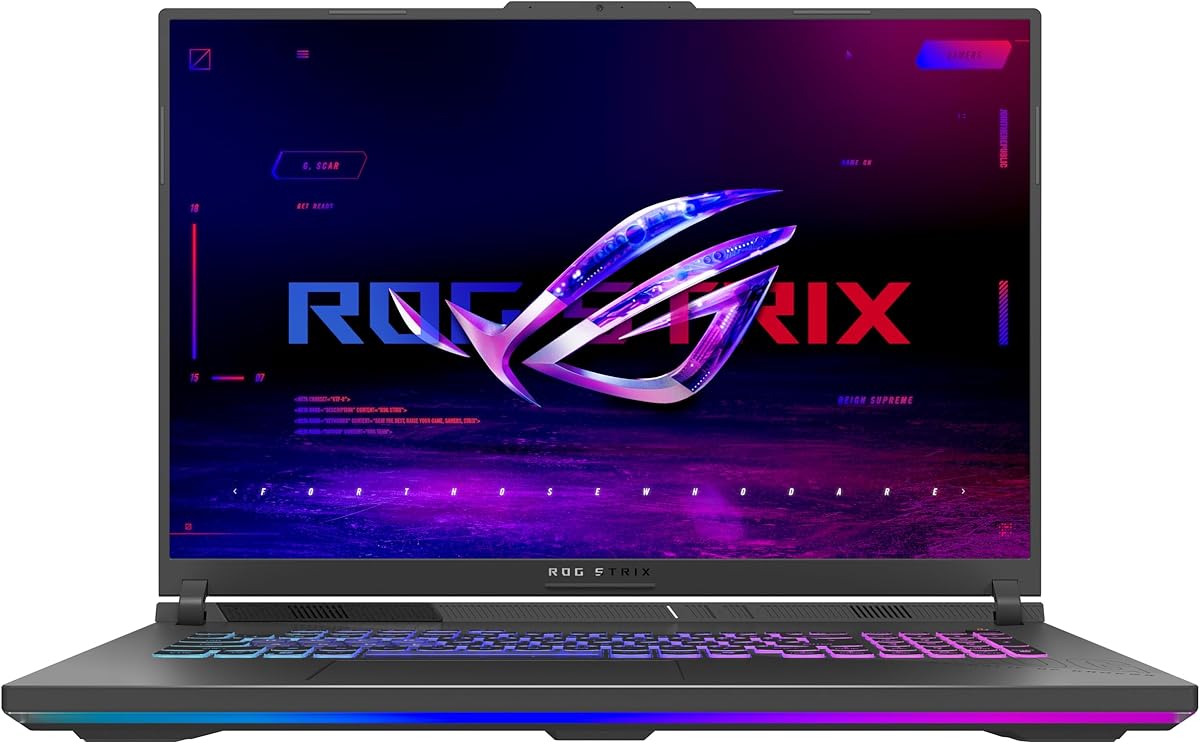
ASUS ROG Strix G18 (2025)
4.4Editor score
AMD Ryzen 9 8940HX
RTX 5050 Laptop GPU
144Hz FHD+ Display
Finding the right gaming laptop requires balancing power with portability. The ASUS ROG Strix series offers a wide range of options designed to handle demanding titles and creative workflows with ease.
We compared ten distinct models based on their processors, graphics cards, display quality, and cooling systems. Each entry brings unique strengths whether you prioritize frame rates screen color accuracy or build quality.
Every pick highlights key specifications and real-world benefits to help you decide. Keep in mind that availability and pricing can shift quickly, so verify details before making your final purchase decision.
4.4Editor score

4.4Editor score

5.0Editor score
As an Amazon Associate we earn from qualifying purchases.
This side-by-side comparison highlights the core differences across the ten selected models to help you identify which configuration best fits your specific gaming or creative needs.





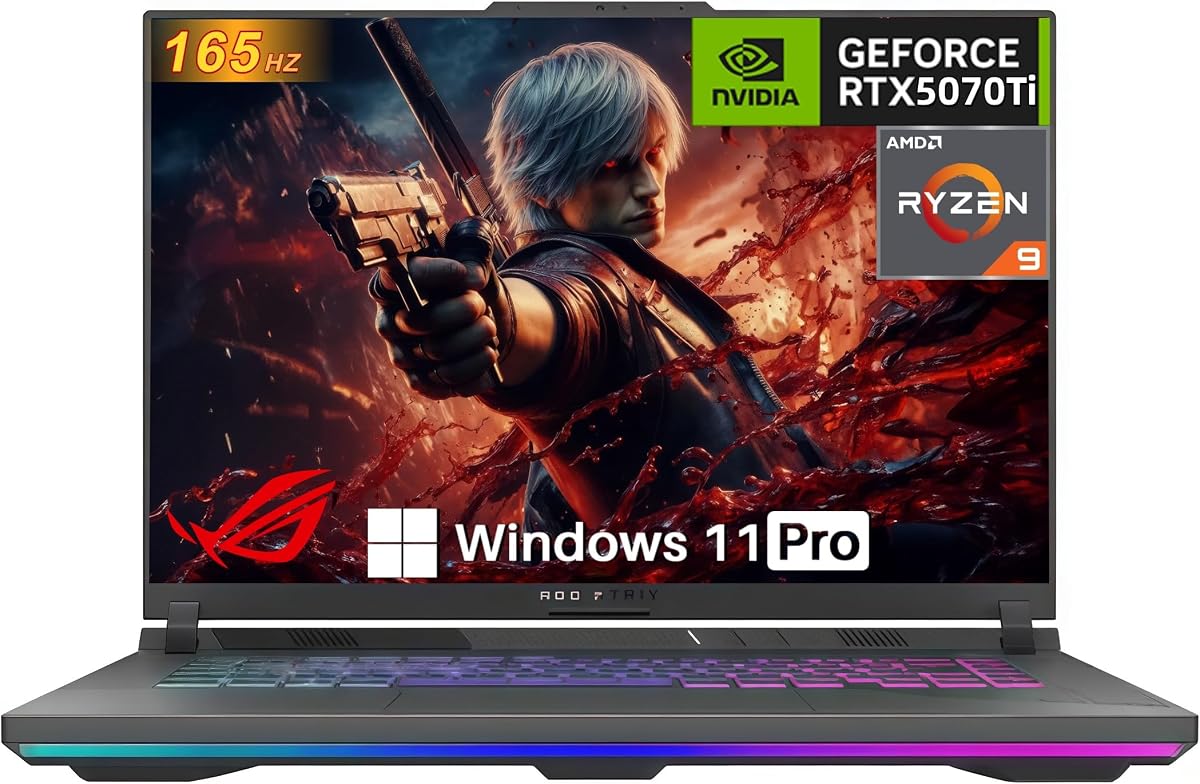
This model leads our list with a balanced mix of processing power and visual fidelity. It earns a 4.4 star rating for delivering reliable gaming experiences without breaking the bank.
We may earn a commission when you buy through this link, at no additional cost to you.
The Intel Core i7 14650HX paired with the RTX 5060 ensures smooth performance in modern titles. The 165Hz FHD+ display offers fast response times ideal for competitive gaming.
While the GPU is not the most powerful in this lineup, it handles most games at high settings. The 16GB DDR5 RAM is sufficient for multitasking but may limit heavy content creation.
Gamers looking for a dependable daily driver will find this laptop compelling. It brings flagship cooling and connectivity to a mainstream tier effectively.
The combination of the i7 CPU and RTX 5060 provides ample headroom for AAA titles at medium to high settings.
ROG Intelligent Cooling with vapor chamber technology keeps thermal throttling at bay even during long sessions.
We may earn a commission when you buy through this link, at no additional cost to you.
This variant stands out for its exceptional Nebula display and top-tier internal hardware. With a 4.3 star rating it promises a premium experience for enthusiasts.
We may earn a commission when you buy through this link, at no additional cost to you.
The 240Hz 2.5K screen delivers incredibly smooth visuals and sharp details for both gaming and creative work. The Core Ultra 9 275HX handles complex tasks with ease.
The 32GB DDR5 RAM ensures you can run multiple applications without slowdowns. However the cost reflects these upgrades and the device weighs more than lighter ultrabooks.
Prospective buyers should consider this if screen quality and raw performance are your top priorities. It excels at high-fidelity gaming and demanding workflows.
The 240Hz 2.5K screen with ACR film offers vibrant colors and reduced glare for a more immersive viewing experience.
The Core Ultra 9 processor provides significant multi-core performance suitable for video editing and 3D rendering.
We may earn a commission when you buy through this link, at no additional cost to you.
This 18-inch powerhouse is designed for those who prioritize screen real estate and HDR quality. Its 4.3 star rating reflects strong satisfaction with its visual output and features.
We may earn a commission when you buy through this link, at no additional cost to you.
The Mini LED HDR display with 2,000+ dimming zones offers deep blacks and bright highlights. The MUX Switch boosts performance by routing frames directly from the GPU.
While it is bulky and not ideal for daily commuting the tool-free access simplifies maintenance and upgrades. The included Game Pass adds extra value for new titles.
It is an excellent choice for a stationary gaming setup that rivals a desktop. Users wanting a big screen experience will appreciate the immersion here.
The Mini LED technology provides superior contrast ratios and color accuracy that standard displays cannot match.
Tool-free access to RAM and SSD allows users to customize storage and memory without needing specialized tools.
We may earn a commission when you buy through this link, at no additional cost to you.
This configuration pairs a high-performance processor with a stunning display though the GPU remains mid-range. It holds a 4.0 star rating indicating strong features with some limitations.
We may earn a commission when you buy through this link, at no additional cost to you.
The Nebula display with Dolby Vision HDR brings vivid colors and high contrast to media consumption. The Ultra 9 275HX ensures fast rendering and smooth multitasking.
However the 16GB DDR5 RAM might feel restrictive for heavy workloads. The GPU is good but does not match the potential of the CPU in this specific SKU.
Creators prioritizing color accuracy and screen smoothness will find this compelling. Gamers may need to adjust expectations regarding GPU-bound titles at max settings.
The latest Ultra architecture delivers improved power efficiency and thermal management compared to previous generations.
This feature adjusts color and brightness dynamically for a more immersive viewing experience in supported content.
We may earn a commission when you buy through this link, at no additional cost to you.
This AMD-based model offers compelling performance metrics for competitive gamers. Although it lacks a user rating it features a strong Ryzen 9 CPU and RTX 5070 GPU.
We may earn a commission when you buy through this link, at no additional cost to you.
The Ryzen 9 9955HX delivers excellent multi-core performance which helps in rendering and heavy multitasking. The MUX Switch boosts frames by routing directly from the discrete GPU.
The cooling system uses Tri-Fan technology to keep temperatures under control during intense sessions. However the display is standard FHD+ rather than the higher-end Nebula panel.
Gamers prioritizing frame rates and CPU power over screen resolution will like this pick. It represents a solid choice for high-refresh competitive play.
The 9955HX processor offers significant multi-threaded performance suitable for demanding applications.
This technology automatically switches between graphics modes to improve battery life without user intervention.
We may earn a commission when you buy through this link, at no additional cost to you.
This model has earned a perfect 5.0 star rating from users who value high specs. It delivers top-tier components including a full-power GPU and ample memory.
We may earn a commission when you buy through this link, at no additional cost to you.
The RTX 5070 Ti with 140W TGP ensures maximum gaming performance. The 32GB DDR5 RAM makes this machine ready for heavy multitasking and future-proofing.
Despite having a WUXGA display instead of 2.5K the 165Hz refresh rate keeps gameplay smooth. The inclusion of Ethernet ensures a stable connection for competitive online play.
Users seeking a balance of power and value will appreciate this configuration. It is ideal for streamers and gamers who need reliable performance.
The 140W TGP ensures the graphics card runs at its highest possible performance without power throttling.
The RJ-45 Ethernet port provides a wired connection that reduces latency compared to Wi-Fi.
We may earn a commission when you buy through this link, at no additional cost to you.
This model brings a near perfect 4.9 star rating thanks to its reliable hardware and user-friendly upgrades. It focuses on core performance without unnecessary extras.
We may earn a commission when you buy through this link, at no additional cost to you.
The Ryzen 9 8940HX paired with the RTX 5070 Ti delivers strong performance across gaming and productivity tasks. The Q-latch SSD system makes storage upgrades quick and easy.
Users appreciate the future-proof design with Gen 5 ready slots that allow for easy upgrades later. The high rating suggests consistent quality and satisfaction among owners.
It is an excellent choice for those who want a high-performance system that is easy to maintain. The streamlined focus ensures you get top performance for the price.
The tool-free Q-latch system allows you to swap SSDs quickly without needing a screwdriver.
PCIe Gen 5 ready slots mean your storage can be upgraded to next-generation speeds in the future.
We may earn a commission when you buy through this link, at no additional cost to you.
This 2026 model is the pinnacle of gaming laptop performance with a perfect 5.0 star rating. It combines the latest GPU tech with a stunning HDR display.
We may earn a commission when you buy through this link, at no additional cost to you.
The RTX 5080 delivers unmatched frame rates and ray tracing capabilities. The Nebula HDR display ensures vibrant colors and deep blacks for an immersive visual experience.
While the power consumption impacts battery life the device stays cool thanks to advanced thermal systems. The included Game Pass offers immediate access to a large library of games.
Prospective buyers should view this as a top-tier desktop replacement. It is ideal for enthusiasts who want the absolute best performance available.
This GPU provides significant improvements in ray tracing and frame rates compared to previous generations.
ROG Intelligent Cooling ensures the high-powered components stay cool during extended gaming sessions.
We may earn a commission when you buy through this link, at no additional cost to you.
This version prioritizes storage and memory capacity with a 2TB SSD and 32GB RAM. It holds a 4.2 star rating reflecting satisfaction with its storage and build.
We may earn a commission when you buy through this link, at no additional cost to you.
The 2TB Gen 4 SSD provides ample space for large game libraries and project files. The 32GB DDR5 ensures smooth multitasking even with demanding applications open.
The RTX 5070 is capable but not the strongest option available. However the extra storage and memory make it highly practical for content creators and power users.
Buyers needing large local storage will find this model appealing. It balances performance with practical capacity upgrades for professional workflows.
The 2TB Gen 4 SSD offers fast read speeds and enough space for hundreds of modern games.
Windows 11 Pro offers additional management features suitable for professional environments.
We may earn a commission when you buy through this link, at no additional cost to you.
This model offers a large 18-inch screen at a more accessible price point. It earns a 4.4 star rating for balancing size and performance effectively.
We may earn a commission when you buy through this link, at no additional cost to you.
The 18-inch display provides a comfortable workspace and immersive gaming view. The Ryzen 9 8940HX ensures strong CPU performance even if the GPU is less powerful.
The Tri-Fan cooling system keeps temperatures reasonable despite the larger chassis. While the GPU limits high-end gaming the large screen and CPU make it versatile.
Students or users needing a larger workspace without overspending will find this appealing. It is a practical choice for general gaming and work.
The 18-inch screen offers more real estate for multitasking and media consumption.
Three fans ensure effective heat dissipation across the larger internal chassis.
We may earn a commission when you buy through this link, at no additional cost to you.
Choosing the right ASUS ROG Strix laptop depends on several key factors including processor power, graphics performance, display quality, and cooling capabilities.
Processors determine how fast your system handles tasks. Look for Intel Core Ultra or Ryzen 9 chips for top performance in gaming and creative work.
Prioritize multi-core counts for rendering and single-core speed for gaming.
The GPU is essential for gaming frame rates and visual fidelity. Models with RTX 5070 or higher will handle AAA titles at high settings better.
Check TGP wattages to ensure you get full GPU performance without throttling.
Refresh rates like 144Hz or 240Hz reduce motion blur. HDR and color accuracy matter for creatives and media consumers.
Higher resolutions like 2.5K offer sharper details but demand more GPU power.
16GB DDR5 RAM is standard but 32GB ensures future-proofing for heavy multitasking. Look for Gen 4 SSDs for fast loading times.
Tool-free access to RAM and SSD slots makes upgrades easier without voiding warranties.
Good thermal management keeps performance steady. ROG Intelligent Cooling uses vapor chambers and Tri-Fan technology to dissipate heat.
Effective cooling prevents thermal throttling during long gaming sessions.
Wi-Fi 7 or Wi-Fi 6E ensures fast wireless internet. Ethernet ports provide stable connections for competitive gaming.
Check USB-C and HDMI versions for compatibility with external monitors and accessories.
Gaming laptops generally have shorter battery life. Advanced Optimus helps by switching between integrated and discrete graphics.
Carry the charger for extended sessions to avoid interruption.
Chassis quality affects durability. Larger models like 18-inch offer better cooling but are less portable.
Consider weight and portability if you plan to travel frequently.
Keep vents clear from obstructions to maintain proper airflow. Use a cooling pad in warm environments to help heat dissipation.
Update BIOS and GPU drivers regularly to ensure system stability and performance improvements.
Use the provided Armoury Crate software to manage fan curves and performance modes based on your tasks.
Models with 240Hz or 300Hz displays like the G16 (2025) are ideal. Pair them with RTX 5070 or higher GPUs for smooth frame rates in fast-paced games.
Most models offer tool-free access for RAM upgrades. Check the specific product details for slot availability and supported maximum memory capacities.
A MUX Switch routes frames directly from the GPU to the display bypassing the integrated graphics. This boosts performance by 5 to 10 percent in gaming.
Yes for creators needing color accuracy and gamers with powerful GPUs. The higher resolution offers sharper details but requires more processing power.
The Mini LED HDR provides deep blacks and bright highlights. It creates a more immersive experience especially for movies and supported games.
Models with 32GB RAM and high-core CPUs are excellent for video editing. Ensure you have sufficient SSD capacity for large project files.
The ten selected models offer diverse options for every type of user from budget gamers to power users seeking top performance.
Prioritize the display and GPU based on your specific gaming needs while balancing CPU power for overall system responsiveness.
Prices and availability change often so verify the latest offers before making your purchase decision today.