
65W Universal USB C Laptop Charger
4.7Editor score
Affordable pricing point
Reliable charging performance
Compact portable design
This comprehensive guide compares the top ten chargers for Lenovo Chromebook users, evaluating compatibility, charging speed, safety features, and build
Finding a reliable power source is essential for keeping your Lenovo Chromebook running smoothly throughout the day. Whether you are working from home, traveling, or attending classes, a dependable charger ensures you stay connected and productive without interruptions.
We have carefully evaluated ten top-rated USB C chargers compatible with Lenovo devices. Our analysis focuses on output wattage, build durability, safety mechanisms, and real-world performance to provide you with a curated list of the most effective options available.
Each selection in this guide highlights specific strengths and ideal use cases. Please note that availability and pricing may fluctuate over time, so verifying current details on the product page is always recommended before making your final purchase decision today.
4.7Editor score

4.3Editor score

4.5Editor score
The following table provides a side-by-side overview of the ten selected chargers. Compare key specifications, ratings, and unique features to determine which option aligns best with your specific Lenovo Chromebook model and usage requirements.


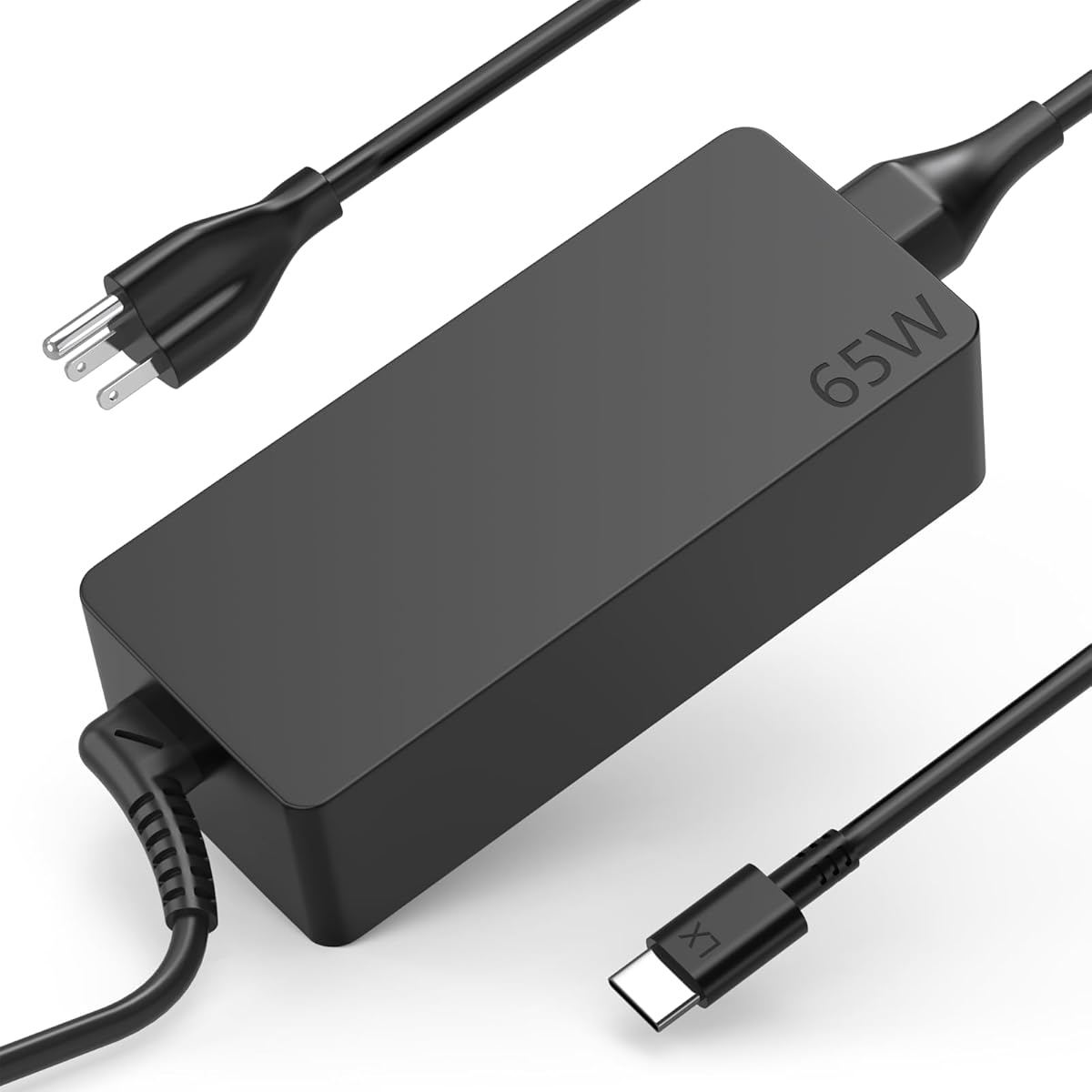

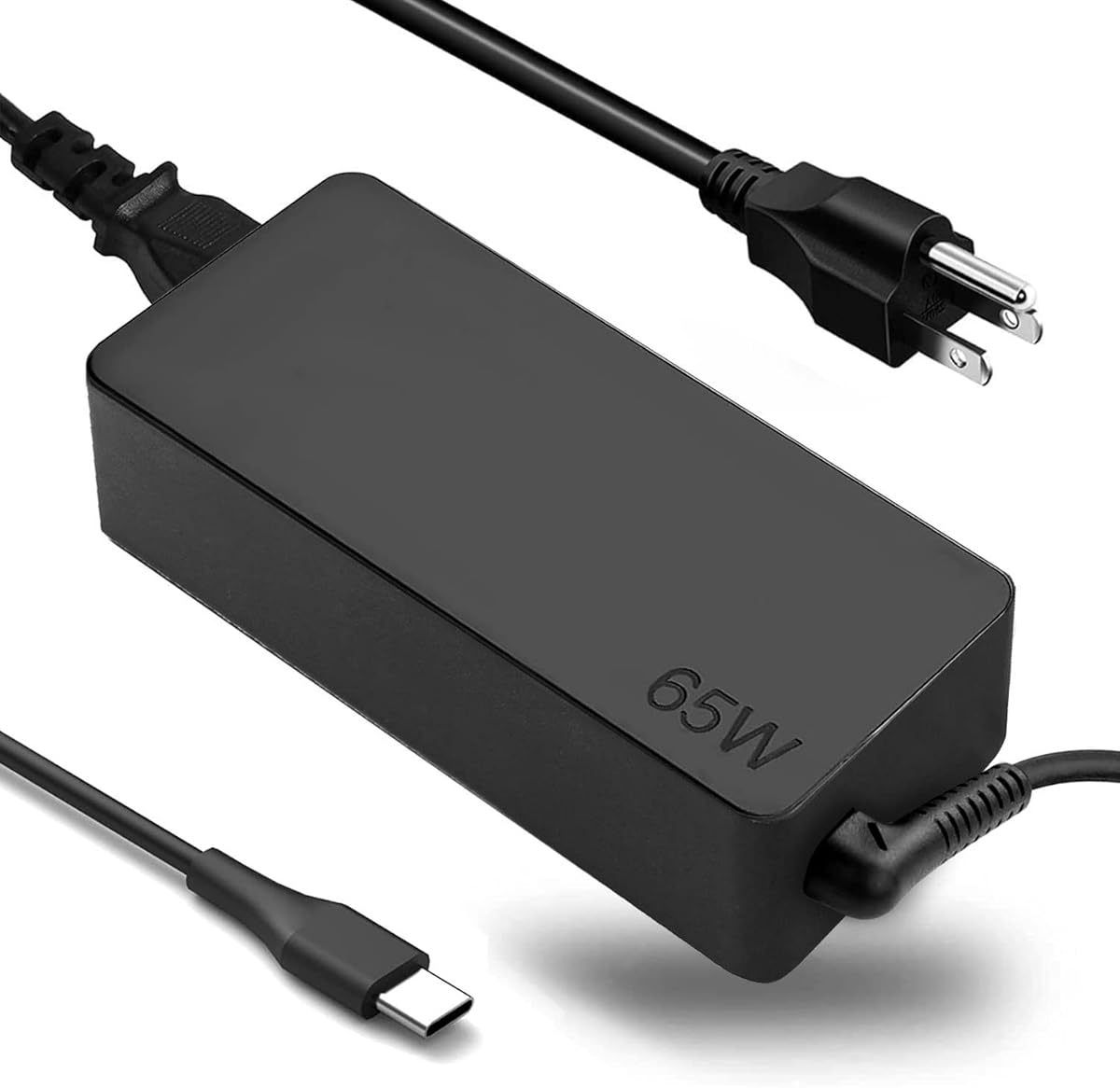
This Universal 65W USB C Laptop Charger stands out as a versatile power solution for a wide array of devices including Lenovo Chromebooks. With a rating of 4.3 stars, it delivers consistent power delivery suitable for daily workloads and travel scenarios alike.
We may earn a commission when you buy through this link, at no additional cost to you.
Its ability to output multiple voltage profiles ensures that it can adapt to different charging requirements without compromising speed or safety. The connector design is specifically tailored to fit USB-C ports found on modern Lenovo models securely.
While it excels in compatibility, users should ensure their specific device requirements align with the listed wattage to avoid underpowering. The build quality is solid, though the cable management could be slightly improved for better portability.
For anyone seeking a reliable backup charger that works across brands and models, this option offers excellent value and performance. It is particularly recommended for students and professionals who need a dependable power source on the go.
The charger supports various voltage outputs allowing it to serve multiple device types effectively.
Built-in safety mechanisms protect your laptop from overheating and electrical surges during use.
We may earn a commission when you buy through this link, at no additional cost to you.
This replacement adapter is engineered specifically to meet the power needs of Lenovo Chromebooks and other compatible laptops. Its dual wattage capability makes it a robust choice for users who require consistent energy across different usage intensities.
We may earn a commission when you buy through this link, at no additional cost to you.
The charging efficiency is commendable, providing steady power that helps maintain battery health over time. Users appreciate the comprehensive list of compatible models which reduces the guesswork when selecting a replacement charger.
Some users may find the physical size slightly larger than standard adapters which could affect portability in tight spaces. However, the performance benefits often outweigh the minor inconvenience of the additional bulk.
Ideal for office environments or home offices where consistent power is critical, this charger delivers reliability. It is a strong contender for those prioritizing function over minimalistic design in their power accessories.
Supports both 65W and 45W output modes to adapt to different laptop power requirements seamlessly.
Designed with Lenovo ThinkPad and Chromebook models in mind for a perfect connector match.
We may earn a commission when you buy through this link, at no additional cost to you.
Offering an exceptional balance of cost and performance, this universal charger has garnered high praise from users. With a rating of 4.7 stars, it proves that budget-friendly options do not have to compromise on essential functionality.
We may earn a commission when you buy through this link, at no additional cost to you.
The charger utilizes Power Delivery technology to ensure efficient energy transfer to your Lenovo Chromebook. Its compact size makes it an excellent addition to a travel bag where space is at a premium.
While it lacks advanced features like additional USB ports, the core function of charging is executed flawlessly. Users should verify their laptop's wattage needs to ensure this 65W unit meets their specific requirements.
For students or casual users looking for a reliable spare charger without breaking the bank, this is a top pick. It provides a dependable solution for everyday charging needs with minimal fuss.
Provides high performance charging capabilities at a price point that fits most budgets easily.
Lightweight and small footprint ensures easy packing for daily commutes or business trips.
We may earn a commission when you buy through this link, at no additional cost to you.
This charger is specifically designed for Lenovo Chromebook models that require 45W power input. Its standout feature is the 10-foot power cord which offers significant flexibility in placement when charging near power outlets.
We may earn a commission when you buy through this link, at no additional cost to you.
Users appreciate the safety standards it meets ensuring reliable performance without overheating. The long cable allows you to work comfortably while your device charges even when outlets are far from your seating position.
It is crucial to check your device specifications before purchasing as higher wattage laptops may not charge efficiently with this unit. For 45W models however, it provides a dedicated and reliable power source.
If you value convenience and reach in your setup, this charger offers a practical solution. It is best suited for stationary environments where mobility is less critical than flexible reach.
The 10-foot cord allows for flexible placement and comfortable usage during charging sessions.
Exclusively designed connectors ensure a snug fit for specific Lenovo Chromebook models.
We may earn a commission when you buy through this link, at no additional cost to you.
Safety is a primary focus with this adapter which includes protection against short circuits and overvoltage. It supports both 65W and 45W outputs making it a flexible choice for a range of Lenovo devices.
We may earn a commission when you buy through this link, at no additional cost to you.
The charger is built to comply with industry standards ensuring a safe connection for your laptop. Users have noted that it handles heat dissipation well during extended charging sessions.
While the build quality is solid, the cable may not be as durable as premium branded adapters. However, for the price point and safety features included, it remains a reliable choice for daily use.
This option is recommended for users who prioritize safety features and need a backup charger for multiple device types. It strikes a good balance between functionality and essential protection.
Features multiple protection mechanisms against short circuits overvoltage and internal overheating.
Accommodates both 65W and 45W power requirements for various laptop models efficiently.
We may earn a commission when you buy through this link, at no additional cost to you.
Portability is key with this charger which is designed to slip easily into bags and pockets. It offers a 65W output suitable for most modern Chromebooks and is lightweight enough for frequent travelers.
We may earn a commission when you buy through this link, at no additional cost to you.
The product has been tested for electrical safety ensuring it meets standard requirements. Users appreciate the lifetime exchange policy which provides peace of mind regarding product reliability.
While it is a functional charger the build feels somewhat basic compared to higher-end models. However, its primary strength lies in its compact size and the assurance of after-sales support.
For travelers who need a spare charger that does not add bulk to their luggage, this is a solid option. It provides essential power without the weight of a traditional adapter.
Incredibly small footprint and lightweight design make it easy to carry anywhere.
Offers a lifetime exchange policy for defective products ensuring long-term satisfaction.
We may earn a commission when you buy through this link, at no additional cost to you.
This replacement charger is designed to seamlessly substitute the original adapter for many Lenovo ThinkPad and Yoga models. It delivers efficient power that matches the requirements of devices needing 65W input.
We may earn a commission when you buy through this link, at no additional cost to you.
Users report that the charger handles fast charging protocols well allowing for quick top-ups during breaks. The universal USB-C connector ensures a secure fit on compatible devices without wobbling.
The build quality is adequate for daily use but may not feel as premium as the original equipment. However, for a replacement unit, it provides consistent performance over time.
It is a practical choice for those looking to replace a lost or damaged original adapter without paying original prices. It works well for home and office environments where stability is key.
Works as a direct substitute for original adapters with compatible part numbers.
Designed to deliver fast and efficient charging for daily use cases.
We may earn a commission when you buy through this link, at no additional cost to you.
This charger stands out for its ability to work with a wide range of brands including HP, Lenovo, Dell, and Acer. It is a universal solution that simplifies the search for a compatible power adapter.
We may earn a commission when you buy through this link, at no additional cost to you.
The input voltage range supports international travel making it a versatile choice for users who move between different regions. Customer support is responsive which helps resolve any compatibility questions quickly.
While it excels in versatility, the design is standard without unique premium features. For most users this universal compatibility outweighs the lack of specialized design elements.
It is highly recommended for households with multiple different laptop brands needing a single charger. It provides a reliable power source that adapts to various device requirements seamlessly.
Designed to work with multiple brands reducing the need for device specific chargers.
Wide input voltage range allows for safe use in various international regions.
We may earn a commission when you buy through this link, at no additional cost to you.
This charger is particularly noted for its compatibility with Lenovo Yoga and ThinkPad series devices. It delivers reliable power that ensures these laptops remain operational during work sessions.
We may earn a commission when you buy through this link, at no additional cost to you.
The charger supports a range of voltage outputs allowing it to serve both 65W and 45W needs. Users have found it effective for keeping devices powered up even under moderate workloads.
While it performs well, the cable durability could be improved for long term daily use. However, for the price it offers a dependable alternative to official chargers.
It is a good option for users with older Yoga or ThinkPad models looking for an affordable replacement. It provides the necessary power without compromising on safety or performance.
Specifically tested to ensure safe charging for various Lenovo Yoga models.
Delivers stable power output suitable for everyday computing tasks.
We may earn a commission when you buy through this link, at no additional cost to you.
This charger combines solid construction with high efficiency to deliver reliable power for Lenovo devices. Its 4.5 rating reflects consistent performance and durability over time.
We may earn a commission when you buy through this link, at no additional cost to you.
Users appreciate the high-efficiency design which reduces energy waste and heat generation during charging. It supports fast charging which is essential for users who need their devices ready quickly.
While it is a bit more expensive than budget options the build quality justifies the investment. The robust design ensures it withstands the rigors of regular use in various environments.
For professionals or users who value durability and performance, this premium choice is recommended. It offers a reliable power solution that maintains high standards of quality and safety.
Designed to maximize energy transfer while minimizing heat and waste during operation.
Built with durable materials to ensure longevity and consistent performance over time.
We may earn a commission when you buy through this link, at no additional cost to you.
Selecting the right charger involves understanding specific technical requirements and usage patterns. This guide breaks down the essential factors to consider to ensure you choose a power adapter that is safe and efficient.
The most critical factor is matching the wattage of your charger to your laptop's requirements. Most Lenovo Chromebooks require between 45W and 65W for optimal performance. Using a charger with lower wattage may result in slow charging or device drain during use while a higher wattage unit can often support faster charging if your device accepts it.
Always verify the power requirements listed on your device's original adapter to avoid purchasing a unit that cannot meet your energy needs.
Lenovo devices typically use USB-C ports for charging which means you need a charger with a USB-C connector. Ensure the charger you choose has a plug that fits securely into your port. Some adapters come with interchangeable tips but many modern units rely on a fixed USB-C design.
Check that the connector size matches your specific model to ensure a stable connection that prevents accidental disconnections.
Look for chargers that meet recognized safety standards to protect your device from electrical hazards. Certified products usually include protections against overvoltage overheating and short circuits. These features are essential for extending the lifespan of your battery and avoiding potential damage.
Prioritize chargers that mention compliance with industry safety standards to ensure safe operation over time.
A durable charger should have a robust casing and high-quality cables that can withstand daily use. Materials like braided nylon or reinforced connectors can improve longevity. If you travel frequently consider a charger with a compact design and reinforced stress points at the cable ends.
Investing in a well-built charger can prevent frequent replacements and save money in the long run.
For travelers and students a lightweight and compact charger is often preferable. Consider the size of the adapter and the length of the cord when making your decision. Some chargers fold their prongs for easier storage while others have longer cords for flexibility at a desk.
Choose a design that fits your lifestyle and ensures the charger can be easily packed in your bag.
A reliable manufacturer should offer a warranty to cover defects and ensure customer satisfaction. Look for products with at least a one-year warranty and responsive customer support channels. This protection gives you peace of mind in case the charger fails unexpectedly.
Check the terms of the warranty before purchasing to ensure it covers your specific needs and regions.
While cheaper chargers are tempting ensure they do not compromise on safety or quality. A mid-range charger often offers the best balance of performance and reliability without the premium price tag. Evaluate the features against the cost to determine the overall value proposition.
Avoid the cheapest options on the market as they may lack essential safety features found in better units.
Choosing a charger from a reputable brand can increase the likelihood of a positive experience. Established brands often have better quality control and customer service. Read user reviews to gauge real-world performance and reliability over time.
Research the brand's history and customer feedback to make an informed decision about their products.
When using your charger ensure you plug the AC adapter into a stable wall outlet before connecting it to your laptop. This prevents power surges from damaging your device during the connection process.
Avoid wrapping the cable tightly around the adapter when storing as this can damage the internal wires over time. Instead use a loose coil or a dedicated cable organizer to keep it neat and safe.
Keep the charger in a dry and cool place away from direct sunlight or moisture. Excessive heat or water exposure can degrade the materials and reduce the lifespan of your power adapter.
Yes generally you can use a 65W charger with a 45W Lenovo Chromebook because the laptop will only draw the power it needs. However always check the voltage to ensure it matches your device requirements to avoid potential issues.
Check your original adapter for the voltage and wattage ratings. If the new charger matches these specifications and has a USB-C connector it is likely compatible. Consult your laptop manual for specific power requirements.
Using a lower wattage charger may result in slow charging times or the battery might discharge while you are using the device. For optimal performance always use a charger that meets or exceeds the recommended wattage.
Third-party chargers are safe provided they meet the correct voltage and safety standards. Look for certifications and positive user reviews to ensure the product is reliable and will not damage your device.
The length of the cable can affect convenience and portability. Longer cables offer more flexibility in placement whereas shorter cables are more portable. Choose based on your specific usage environment and needs.
A well-made charger can last several years with proper care. Factors like how often it is used and how it is stored during travel will impact its lifespan. Avoiding damage to the cable will extend its usability.
Many universal USB-C chargers are designed to work with multiple Lenovo models. Verify the wattage and connector type against your specific laptop models to ensure compatibility across your devices.
It is generally recommended to unplug the charger when not in use to save energy and reduce wear. Keeping it plugged in constantly can contribute to heat buildup which may shorten its lifespan over time.
Choosing the right charger for your Lenovo Chromebook is a vital step in maintaining your device's health and usability. The options presented in this guide offer a range of features from budget-friendly to premium choices.
Prioritize safety certifications and wattage matching when making your decision. These factors ensure that your device is protected from potential electrical issues and charges efficiently.
Remember to check current availability and verify specifications on the product page before purchasing. The right charger will keep your Lenovo Chromebook powered up and ready for whatever tasks come your way.