
CORSAIR Vengeance 16GB DDR5
4.8Editor score
Affordable single module
Up to 5600MHz
Easy laptop installation
This expert guide compares the top DDR5 Laptop RAM options for 2026. Find the right speed capacity and brand for your laptop performance needs today.
Choosing the right DDR5 Laptop RAM can significantly boost your system speed and multitasking capabilities. With newer processors demanding faster memory speeds, upgrading from older generations is often essential for modern workflows.
We compared ten top-rated modules based on speed, capacity, compatibility, and user reviews. Our analysis covers both single sticks and kits to help you find the perfect match for your specific laptop model requirements.
Each pick highlights key specs and real-world performance traits to guide your decision. Please note that prices fluctuate frequently, so check current listings before purchasing to ensure you get the best deal available now.
4.8Editor score

4.8Editor score

4.5Editor score
This side-by-side comparison shows the key specifications for all ten selected memory modules. Review the speed, capacity, and voltage details to determine which upgrade fits your hardware best.




This Crucial kit delivers robust performance with 32GB capacity and 5600MHz speeds. It boasts a 4.8 rating from users who value reliability and speed.
We may earn a commission when you buy through this link, at no additional cost to you.
It supports both Intel XMP 3.0 and AMD EXPO for optimized performance. The ability to downclock ensures stability across various system configurations.
While the price is higher than basic options, the reliability justifies the cost. Users report smooth multitasking without thermal throttling issues.
Buyers with 12th Gen Intel or Ryzen 7000 series laptops should consider this upgrade for long term productivity.
Works seamlessly with modern Intel and AMD processors.
Operates at 1.1V to reduce heat and power usage.
We may earn a commission when you buy through this link, at no additional cost to you.
CORSAIR offers an affordable entry point into DDR5 memory with this 16GB module. It carries a strong 4.8 rating for reliability.
We may earn a commission when you buy through this link, at no additional cost to you.
The module sets to maximum speed automatically on compatible systems. This simplifies the process for users avoiding complex BIOS adjustments.
While single channel is less optimal than dual channel kits, it offers a budget upgrade path. Users appreciate the ease of installation.
Ideal for students or professionals needing a quick memory boost without breaking the bank.
Increases system responsiveness for daily tasks and games.
Fits standard SODIMM slots in most gaming laptops.
We may earn a commission when you buy through this link, at no additional cost to you.
G.SKILL targets performance enthusiasts with this low latency 32GB kit. The 4.5 rating reflects its strong performance capabilities.
We may earn a commission when you buy through this link, at no additional cost to you.
The CL40 timing is notably faster than standard JEDEC defaults. This reduces latency for demanding workloads like content creation.
Installation requires matching kits to ensure stability as noted by the manufacturer. This ensures the system boots correctly at high speeds.
Prospective buyers should check their motherboard QVL to avoid compatibility issues before purchase.
Reduces delays in data processing for faster app response.
32GB Kit ensures maximum bandwidth for heavy workloads.
We may earn a commission when you buy through this link, at no additional cost to you.
TEAMGROUP provides a solid 32GB kit with energy efficient specs. A 4.6 rating shows users trust its long term performance.
We may earn a commission when you buy through this link, at no additional cost to you.
The on-die ECC feature adds stability without needing full ECC memory. This protects against errors during complex calculations.
Users value the lifetime warranty as a strong buying factor. The module is designed to conserve energy while delivering speed.
This kit is a reliable choice for users needing stability over raw overclocking potential.
1.1V voltage reduces power draw and heat generation.
Backed by a lifetime warranty for peace of mind.
We may earn a commission when you buy through this link, at no additional cost to you.
GIGASTONE offers a robust 32GB kit with integrated power management. Its 4.7 rating suggests strong user satisfaction with stability.
We may earn a commission when you buy through this link, at no additional cost to you.
The PMIC technology improves efficiency compared to older generations. This ensures the memory runs cooler under heavy loads.
Users appreciate the clear labeling for DDR5 laptops only. It avoids confusion about compatibility with older DDR4 slots.
This product suits those looking for a substantial upgrade at a reasonable price point.
Integrated circuits manage voltage for better efficiency.
Product details confirm it is for DDR5 systems only.
We may earn a commission when you buy through this link, at no additional cost to you.
CORSAIR delivers a reliable 32GB kit for demanding multitasking. It maintains a 4.7 rating for consistent performance across systems.
We may earn a commission when you buy through this link, at no additional cost to you.
The dual channel configuration ensures balanced data throughput. Users benefit from faster load times in heavy workloads.
Installation is simple for most laptops with standard slots. Compatibility covers nearly all Intel and AMD gaming systems.
Recommend this for gamers needing extra memory for background streaming apps.
Works with most modern gaming and performance laptops.
Balanced 2x16GB setup maximizes memory bandwidth.
We may earn a commission when you buy through this link, at no additional cost to you.
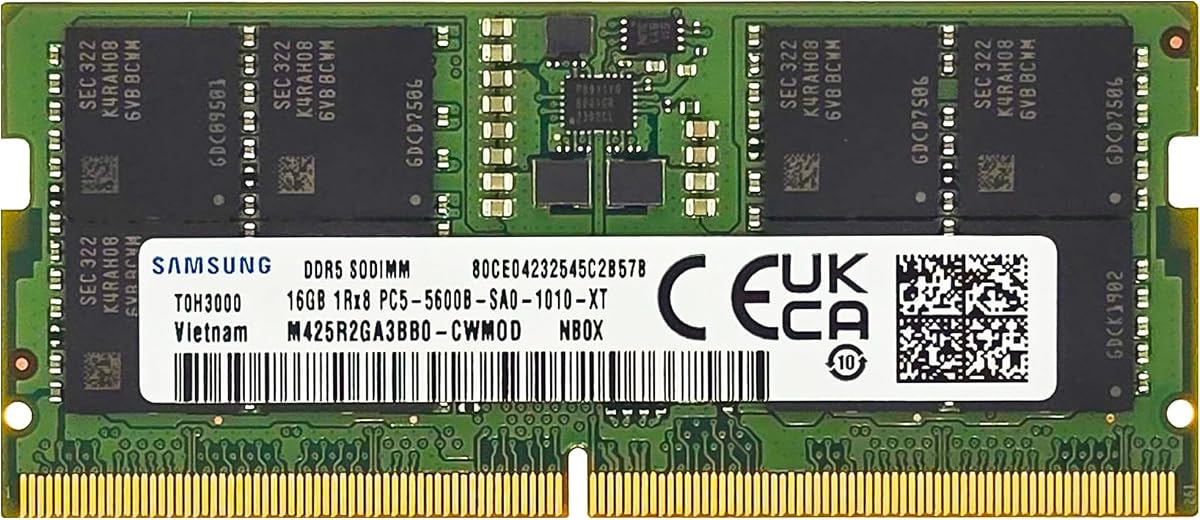
Samsung brings their memory expertise to this 16GB DDR5 module. It has a 4.5 rating for its reliability and standard specs.
We may earn a commission when you buy through this link, at no additional cost to you.
Single Rank architecture can offer compatibility benefits. It reduces bottlenecks by expanding system memory effectively.
Users value the direct manufacturer quality assurance. It fits standard laptop slots without complex BIOS changes.
Ideal for users needing to match an existing stick for dual channel setup.
Follows industry standards for broad hardware support.
Single Rank design suits various motherboard architectures.
We may earn a commission when you buy through this link, at no additional cost to you.
Samsung offers a reliable 32GB kit for high performance workstations. This module is compatible with select modern laptops.
We may earn a commission when you buy through this link, at no additional cost to you.
It expands system resources to handle heavy workloads. The dual channel kit ensures balanced data throughput.
Users appreciate the direct manufacturer quality assurance on memory. It fits standard slots without requiring complex BIOS tweaks.
Consider this for users needing substantial capacity for virtual machines.
32GB allows for seamless multitasking and rendering.
Dual channel setup maximizes system memory bandwidth.
We may earn a commission when you buy through this link, at no additional cost to you.
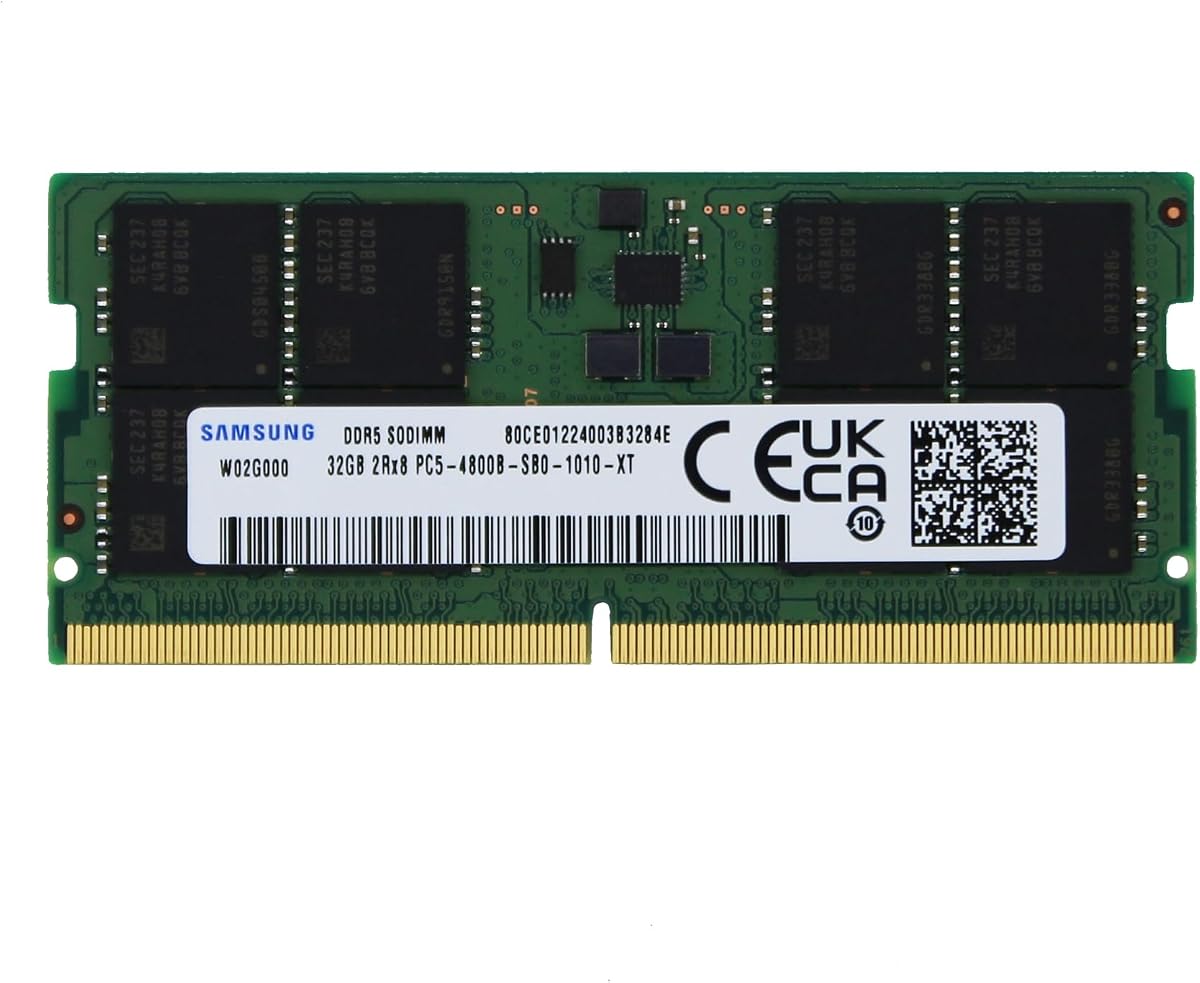
Samsung delivers a robust 32GB module with a perfect rating. Users highlight its stability and dual rank performance.
We may earn a commission when you buy through this link, at no additional cost to you.
Dual Rank configuration improves efficiency for certain workloads. It fits standard laptop slots without requiring complex BIOS changes.
Users value the direct manufacturer quality assurance on memory. It supports modern systems well for data processing.
Buyers should prioritize this for stability over raw frequency speed.
Dual Rank improves bandwidth for specific workloads.
High user satisfaction indicates reliable performance.
We may earn a commission when you buy through this link, at no additional cost to you.
Samsung offers a 16GB dual stick kit for broad compatibility. It fits standard laptop slots and supports modern DDR5 systems.
We may earn a commission when you buy through this link, at no additional cost to you.
Users value the direct manufacturer quality assurance on memory. It reduces bottlenecks in existing low memory setups.
The single rank design suits various motherboard architectures. This ensures stable operation for daily use tasks.
Recommend this for laptops where 16GB is sufficient for general use.
Direct manufacturer support ensures reliable memory modules.
5600MHz provides quick data transfer rates.
We may earn a commission when you buy through this link, at no additional cost to you.
Selecting the right memory involves understanding your laptop limits and performance goals. Here are key factors to evaluate before buying.
Determine how much RAM your workflow requires. Basic users may find 16GB sufficient, while heavy multitaskers prefer 32GB.
Always match or exceed your current memory to avoid bottlenecks.
Check your processor max memory speed. Buying 5600MHz RAM for a system that only supports 4800MHz wastes money.
Match the kit to your laptop specs for best stability.
Ensure you buy SODIMM sticks for laptops. Desktop DIMM sticks are physically different and will not fit.
SODIMM is the standard for mobile computing.
Dual Rank kits often offer better performance than Single Rank. However, some boards prefer specific rank configurations.
Check compatibility guides to avoid boot failures.
Stick with major brands like Samsung Crucial or Corsair. These companies test modules rigorously for heat and speed.
Reliability prevents crashes during critical work.
Lower CL latency means faster data access. However, speed often matters more than latency for general use.
Look for kits with balanced speed and timing.
Check warranty terms before buying. A lifetime warranty offers peace of mind if the stick fails.
Most major brands include standard warranties.
Prices vary by capacity and speed. 32GB kits cost more but offer long-term value.
Balance your needs with what you can afford.
Always power down and unplug your laptop before opening the case. Static electricity can damage sensitive components.
Insert the RAM sticks firmly until the clips lock into place. Ensure the notches align with the slot guides.
After installation, boot the system to check BIOS recognition. Ensure your system runs at the rated speed.
DDR5 is the fifth generation of Synchronous Dynamic Random Access Memory. It offers faster speeds and higher efficiency than DDR4.
Most users need at least 16GB for modern tasks. Heavy workloads like video editing require 32GB or more.
No, DDR5 and DDR4 use different connectors. You cannot mix generations in the same laptop.
It is generally simple. Just remove the back panel and click the module into the slot.
Sometimes a BIOS update helps recognition. Check manufacturer support pages for updates.
Samsung, Crucial, and Corsair are top choices. They are known for reliability and support.
We reviewed ten top options from Crucial Corsair and Samsung. Our top pick is the Crucial 32GB Kit for its balance.
Prioritize capacity and speed that match your processor. Budget options like CORSAIR Vengeance offer great value.
Prices fluctuate often so verify current costs before buying. Always check compatibility to ensure a smooth upgrade.