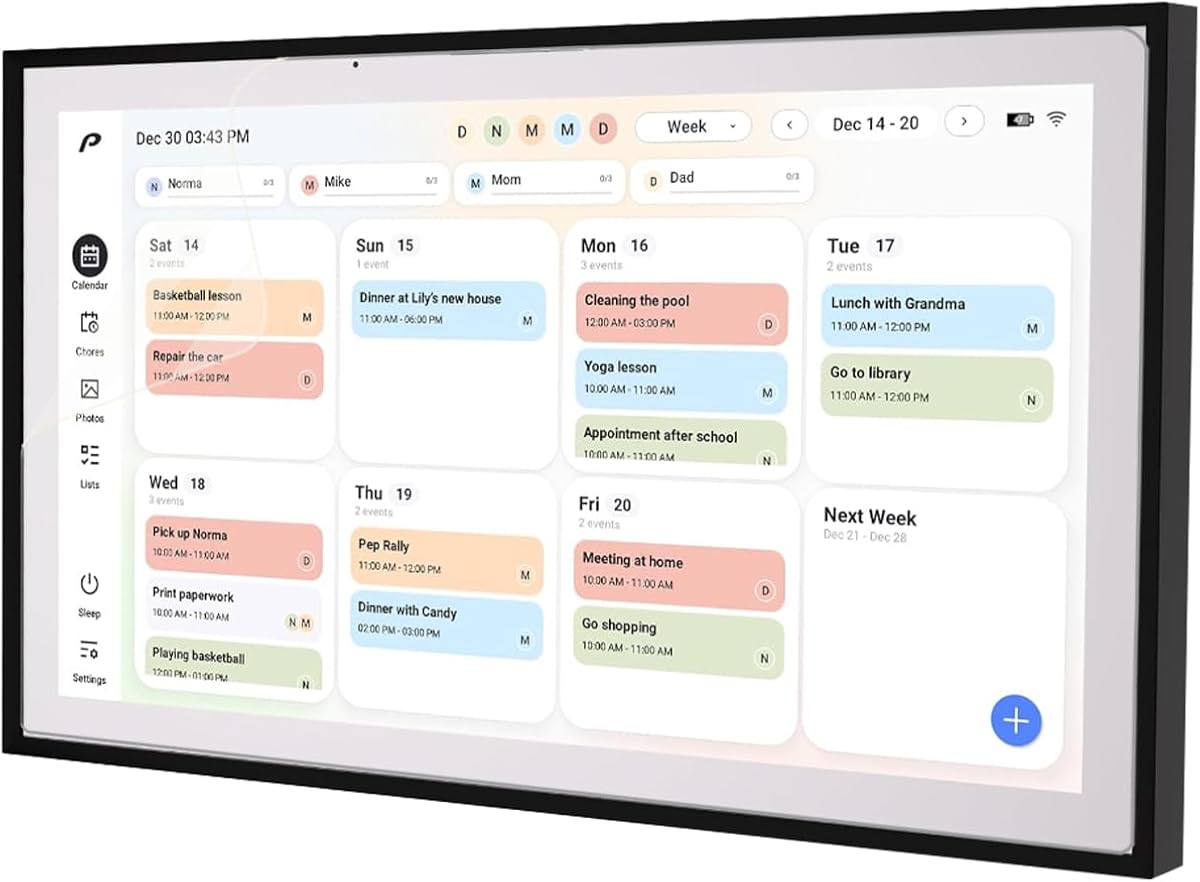
2 Pack Screen Protector for 15.6" Skylight Digital Calendar
5.0Editor score
Ultra-thin 0.15mm film
High definition clear viewing
Includes cleaning tool and guide
Digital calendar screens are essential for modern family organization, but they are prone to scratches and glare. A quality screen protector ensures longevity and clarity for your display.
We evaluated ten top-rated protectors based on clarity, touch sensitivity, and ease of installation. Each option is tailored to specific digital calendar models for the best fit.
Every pick highlights key features and real-world performance. Note that prices fluctuate frequently, so check the current listing before making your final purchase decision.
5.0Editor score

4.2Editor score
As an Amazon Associate we earn from qualifying purchases.
This table compares all ten selected screen protectors across key specifications to help you find the perfect match for your digital calendar model.


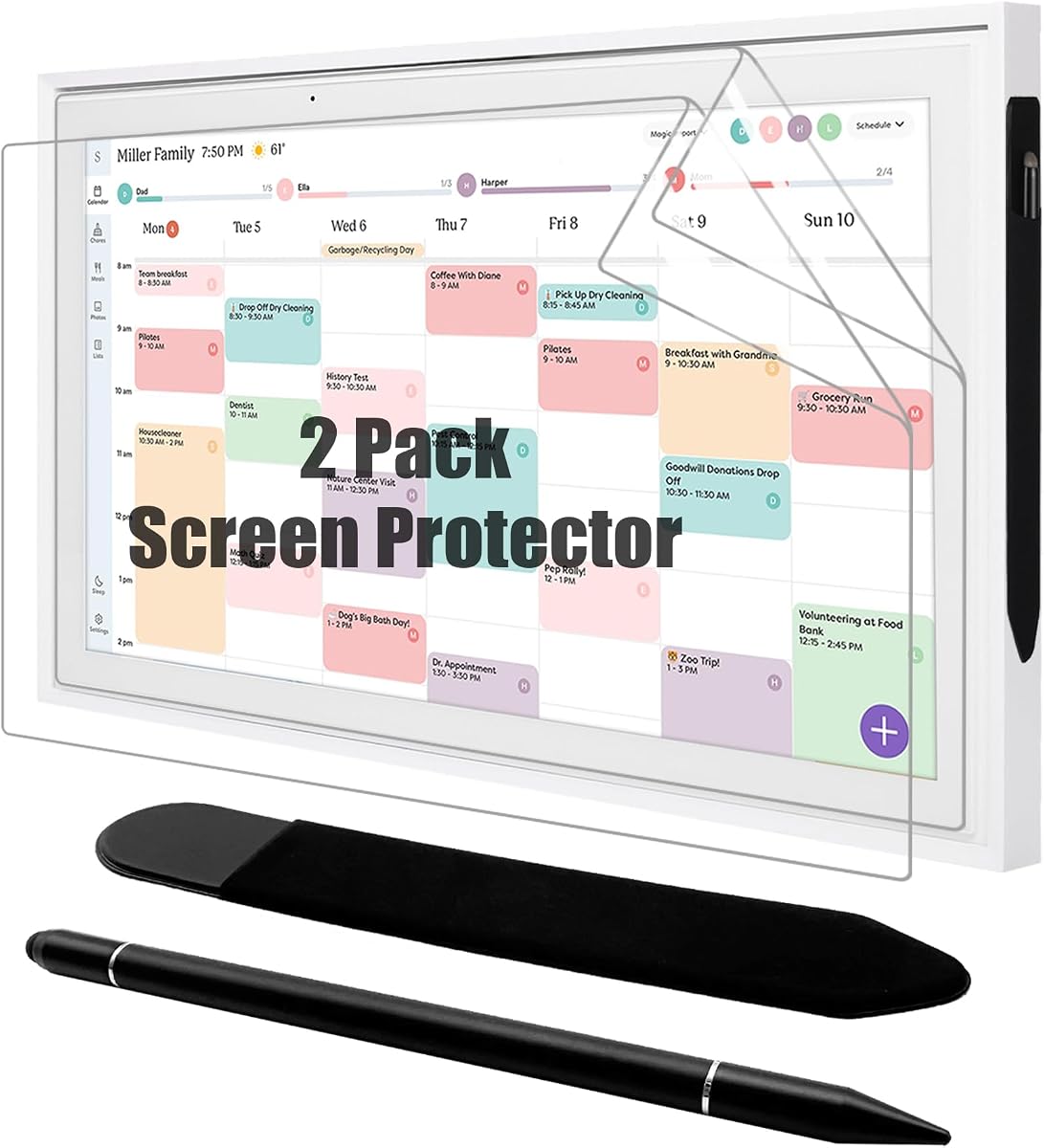


This accessory kit is a standout for families using 15-inch digital calendars. It combines a Paperfeel screen protector with a versatile stylus pen, offering both protection and enhanced usability for your device.
We may earn a commission when you buy through this link, at no additional cost to you.
The Paperfeel film features an anti-glare layer that significantly reduces reflections from sunlight or indoor lighting. This makes viewing family schedules easier in bright environments while protecting eyes from strain during long use.
One trade-off is that the stylus tip might wear over time with heavy use, but the 3-in-1 design including a ballpoint pen adds great value. The hydrophobic coating effectively repels fingerprints, keeping the screen clean.
Ideal for users seeking an all-in-one solution for their digital calendar, this kit delivers practical protection and tools for interaction. It is a top recommendation for anyone wanting to safeguard and enhance their device experience.
Includes two screen protectors and a stylus, providing everything needed for a smooth setup and ongoing maintenance of your calendar.
The Paperfeel layer cuts down on harsh reflections, ensuring that the display remains easy on the eyes regardless of lighting conditions.
We may earn a commission when you buy through this link, at no additional cost to you.
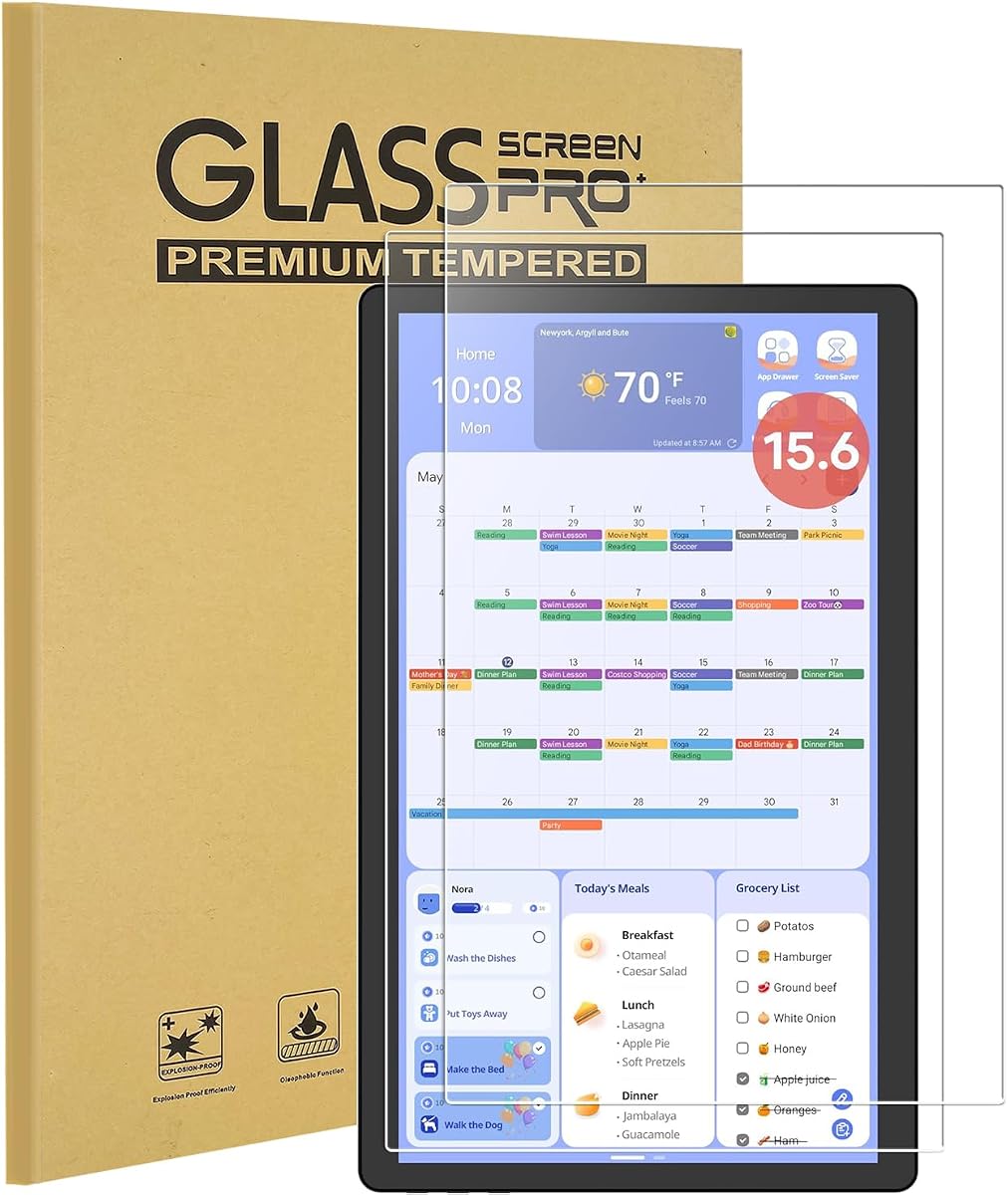
This tempered glass protector is engineered for Skylight Calendar 15-inch models. It offers high transparency and strong scratch resistance, ensuring your display remains clear and free from damage over time.
We may earn a commission when you buy through this link, at no additional cost to you.
The 9H hardness rating provides robust protection against daily wear and impacts. The oleophobic coating prevents smudges, while the venting adhesive ensures a smooth, bubble-free installation process for most users.
While glass can add slight weight, the durability benefits are significant. The touch response remains highly sensitive, compatible with styluses, which maintains the original feel of the device.
This is an excellent choice for those prioritizing durability and clarity. If you want a tough shield that preserves the look and feel of your screen, this tempered glass option is worth considering.
The 9H hardness rating ensures that the screen protector can withstand daily use without getting scratched by keys or other hard objects.
Venting adhesive technology helps remove dust and bubbles automatically, making the setup process straightforward and frustration-free.
We may earn a commission when you buy through this link, at no additional cost to you.
This budget-friendly option is ideal for users with 15.6-inch Skylight digital calendars. It provides high-definition clarity and an ultra-thin profile that maintains touch sensitivity without adding bulk to the device.
We may earn a commission when you buy through this link, at no additional cost to you.
The 5H hardness film offers effective protection against scratches and daily wear. Its ultra-thin oil repellent layer ensures that fingerprints and smudges are minimized, keeping your screen looking clean and clear.
While the film is thin and lightweight, care should be taken during installation to avoid tearing. The package includes necessary tools, making the process simple and ensuring a smooth application on the screen.
For those on a tight budget, this protector delivers solid performance. It is a great value choice for anyone looking to protect their calendar screen without spending much, while maintaining excellent visual quality.
At just 0.15mm thick, this film adds almost no bulk to your calendar, ensuring that touch sensitivity remains responsive and natural.
The protective layer is designed to maintain the original display quality, ensuring that photos and text remain sharp and vibrant.
We may earn a commission when you buy through this link, at no additional cost to you.
This protector is specifically designed for the 10.1-inch Smart Digital Calendar. It offers a precise fit with high-definition clarity, ensuring that the screen remains clear and vibrant for all users.
We may earn a commission when you buy through this link, at no additional cost to you.
The bubble-free adhesive allows for a smooth installation process, attaching the protector seamlessly to the screen. It maintains the original viewing experience and touch sensitivity, making navigation and interaction effortless.
While it provides robust protection against scratches and scuffs, it is limited to this specific model. Users should verify their device size before purchasing to ensure compatibility with this specialized protector.
For Smart Digital Calendar owners, this is a reliable way to protect your investment. It balances clarity and ease of installation, making it a solid choice for anyone with this compact calendar size.
Laser-cut edges ensure the protector aligns perfectly with your 10.1-inch screen, avoiding misalignment or gaps that could reduce effectiveness.
The adhesive technology ensures that the protector attaches smoothly without bubbles, providing a clean and professional finish every time.
We may earn a commission when you buy through this link, at no additional cost to you.
This 2-pack solution is tailored for Skylight Calendar 15-inch models. It features a matte finish that significantly reduces glare, making it ideal for families using the device in bright kitchens or outdoor settings.
We may earn a commission when you buy through this link, at no additional cost to you.
The high-quality film protects against scratches and accidental impacts while maintaining screen clarity. The ultra-thin design ensures that touch sensitivity remains 100%, allowing smooth navigation without hindering functionality.
While the matte finish reduces glare, it may slightly soften image contrast compared to clear protectors. However, the eye comfort it provides makes it a great trade-off for daily use in varied lighting.
For families seeking a reliable and budget-friendly option, this 2-pack delivers good value. It ensures that your digital calendar remains functional and protected for the long term without compromising usability.
The matte coating minimizes reflections from sunlight and indoor lighting, reducing eye strain during extended viewing sessions.
With two screen protectors included, you have a spare ready in case the first one gets damaged or needs replacement later.
We may earn a commission when you buy through this link, at no additional cost to you.
This kit is designed for 15-inch Skylight digital calendars and includes both screen protectors and a 3-in-1 stylus pen. It enhances usability by providing tools for precise edits and notes directly on the screen.
We may earn a commission when you buy through this link, at no additional cost to you.
The anti-reflective coating reduces glare by 90%, protecting eyes during prolonged use. The hydrophobic coating repels oils and sweat, ensuring that the screen remains clean even after frequent interactions.
The stylus offers multiple functions, including a transparent disc tip for editing and a rubber tip for scrolling. It also hides a ballpoint pen for paper notes, adding versatility to your digital calendar experience.
This option is perfect for users who need more than just protection. It enhances interaction with the calendar, making it easier to manage schedules and keep your screen clean with minimal effort.
The 3-in-1 stylus provides multiple ways to interact with your calendar, offering a smooth experience for edits and scrolling.
The hydrophobic coating helps repel dirt and oils, meaning you spend less time cleaning the screen and more time using it.
We may earn a commission when you buy through this link, at no additional cost to you.
This tempered glass protector is designed specifically for Cozyla Digital Calendar+ 2 models. It offers crystal clear transparency, ensuring that your display remains sharp and vibrant while being protected from daily wear and tear.
We may earn a commission when you buy through this link, at no additional cost to you.
The 9H hardness rating provides strong defense against scratches and impacts. The oleophobic coating prevents fingerprint smudges, keeping the screen clean and clear. The glass is tough enough to handle significant daily use.
While glass may be heavier than film options, the durability is unmatched. It offers long-lasting protection that preserves the original look of your screen, making it a premium choice for those seeking quality.
If you prioritize clarity and robust protection, this tempered glass option is worth the investment. It delivers a premium feel and ensures your Cozyla calendar remains in top condition for years to come.
The crystal clear transparency of the glass ensures that your screen looks exactly as it was meant to, with no yellowing or distortion.
The 9H hardness provides a level of scratch resistance that outperforms standard film protectors, safeguarding your screen from sharp objects.
We may earn a commission when you buy through this link, at no additional cost to you.
This protector is designed for large 27-inch digital calendar wall touch screens. It blocks blue light and reduces glare, helping to relieve eye strain during long periods of use, which is useful for large displays in shared spaces.
We may earn a commission when you buy through this link, at no additional cost to you.
The oleophobic layer resists fingerprints and water, keeping your device looking clean. The 5H hardness offers scratch resistance, ensuring that the screen remains protected from minor damage and daily wear.
While installation tools are included, the product has a mixed rating. Users should follow instructions carefully to ensure proper application. It provides eye protection benefits that are valuable for larger screens.
For users with 27-inch wall calendars, this protector offers essential eye care features. It is a practical choice for those concerned about blue light exposure and glare in large viewing areas.
The blue light blocker helps reduce eye strain and supports better sleep by minimizing harmful light exposure before bedtime.
The ultra-thin oleophobic layer repels water and fingerprints, making it easier to keep the large screen clean and tidy.
We may earn a commission when you buy through this link, at no additional cost to you.
BoxWave ClearTouch protectors are designed for Dragon Touch Digital Calendar models. They offer an anti-glare matte finish that disperses light and reduces eye strain in various lighting conditions. The glueless adhesive ensures no sticky residue is left behind.
We may earn a commission when you buy through this link, at no additional cost to you.
The surface is smooth with a paper-like feel, making it comfortable for touch and writing. The precision-cut design ensures a perfect fit, maintaining full functionality of all ports and touch areas.
While the matte finish is great for reducing glare, it may slightly affect image clarity. Users should consider whether eye comfort or visual crispness is their higher priority when choosing this option.
This is a reliable choice for Dragon Touch users seeking a premium feel and easy application. It is especially useful for those who prefer a matte texture for writing or note-taking on the screen.
The special adhesive never leaves any sticky residue, ensuring that your screen remains clean if you ever decide to remove the protector.
The matte surface reduces glare effectively, making the screen easier on the eyes for extended periods of use.
We may earn a commission when you buy through this link, at no additional cost to you.
This Crystal screen protector is designed for Dragon Touch Digital Calendar 10.1-inch models. It provides up to 99% visual clarity with a smooth, glass-like surface that maintains the original look and feel of your device.
We may earn a commission when you buy through this link, at no additional cost to you.
The glueless adhesive ensures residue-free removal, making it easy to replace when needed. It protects against scratches and minor impacts, ensuring that your calendar remains in good condition for longer.
While low-tack adhesive may take up to 48 hours to fully settle, initial air bubbles typically clear with regular use. This requires a bit of patience but ensures a clean application over time.
For users wanting a high-definition clear finish without glue, this option is excellent. It offers a balance of protection and clarity that keeps your Dragon Touch calendar looking sharp and vibrant.
With 99% visual clarity, this film ensures that photos and text on your screen remain bright and vivid without any color distortion.
The glueless adhesive removes cleanly without residue, allowing you to replace or change the protector whenever you like.
We may earn a commission when you buy through this link, at no additional cost to you.
Choosing the right screen protector requires balancing compatibility, clarity, and durability. This guide breaks down key factors to help you make an informed decision.
Always verify that the protector matches your digital calendar's exact screen size. Different models like 10.1-inch, 15-inch, and 27-inch screens require precise fits to ensure full coverage without obstructing touch areas.
Check the product specifications to confirm model compatibility before purchasing.
Screen protectors come in film or tempered glass. Film options are usually ultra-thin and lightweight, while tempered glass offers greater durability and scratch resistance. Glass provides a smoother feel but may be heavier.
Choose glass for long-lasting protection and film for minimal bulk.
Look for high-definition or crystal clear protectors that maintain the original brightness and color accuracy of your screen. Avoid options that cause yellowing or reduce resolution over time.
Clear protectors preserve the visual quality of photos and text.
If your calendar is used in bright environments, anti-glare matte finishes help reduce reflections and eye strain. Some options also include blue light blockers for additional eye protection during night use.
Matte protectors are best for bright lighting and reading comfort.
A good protector should not hinder the touchscreen's responsiveness. Look for ultra-thin designs or materials known for maintaining original touch sensitivity to ensure smooth scrolling and tapping.
Test reviews or descriptions to confirm touch compatibility before buying.
Bubble-free adhesive and alignment tools make installation much easier. Kits that include cleaning cloths, squeegees, or dust stickers help ensure a smooth, residue-free application.
Select kits with accessories to avoid installation frustration.
Oleophobic coatings repel oils and fingerprints, keeping the screen clean. This is especially useful for family devices that get touched frequently throughout the day.
Coated protectors require less wiping and look better longer.
Some kits include stylus pens or writing tools, enhancing the interactive experience. If you plan to write on the screen or use a stylus, a protective film designed for it is important.
Consider bundles with styluses for added convenience and utility.
Begin by cleaning the screen thoroughly with a microfiber cloth to remove dust and oils. Dust particles can trap air bubbles under the protector, so ensure the surface is completely clean before applying.
Align the protector carefully using any included guide stickers before pressing it down. If bubbles form, gently smooth them out with a card or squeegee to ensure full adhesion to the screen.
Avoid using harsh chemicals or abrasive cleaners on the protector. Mild cleaning solutions and soft cloths are best for maintaining the oleophobic coating and ensuring long-lasting protection.
No, you must choose a protector specifically designed for your digital calendar's screen size and model. Incorrect sizes may not align properly or cover the entire display. Always check the compatibility list before purchasing.
High-quality protectors maintain original touch sensitivity without hindering responsiveness. Look for ultra-thin designs and positive reviews regarding touch accuracy. Most options listed here preserve the feel of the original screen.
With proper care, screen protectors can last for years. Tempered glass typically offers longer durability compared to film. Replace it if cracks or deep scratches appear to maintain protection.
Matte protectors reduce glare and reflections, making them ideal for bright environments. Clear protectors preserve original image quality and brightness. Choose based on your lighting conditions and visual preference.
Yes, most protectors come with tools to help with self-installation. Follow the included guide, clean the screen well, and use alignment stickers to avoid bubbles. It is usually easy to apply at home.
Many bundles include microfiber cloths, squeegees, or dust removal stickers. Check the product description to ensure all necessary accessories are included for a smooth installation process.
Yes, protectors provide a sacrificial layer that shields the actual screen from scratches and impacts. Tempered glass offers the highest resistance to daily wear and tear.
This guide highlights ten reliable options tailored to various digital calendar sizes and needs. Whether you need anti-glare features or strong tempered glass, there is a protector for every user.
Prioritize compatibility and ease of installation to ensure a smooth application. Consider if you want matte comfort or crystal clear display to choose the right style.
Always check current prices and stock levels before buying since these details change frequently. With the right protector, your digital calendar will stay clear and protected for years.