
K7 Total Security Antivirus Software 2026
4.2Editor score
Affordable yearly subscription
Webcam protection included
Ransomware defense active
This guide compares the top 10 laptop protection software options available in 2026 to help you find the best antivirus and security suite for your device.
Laptop protection software is essential for safeguarding your devices against malware, ransomware, and online threats. Choosing the right suite ensures your data remains secure while you browse, shop, and work online.
We evaluated leading security solutions based on threat detection, performance impact, and additional tools like VPNs and identity monitoring. Each product was analyzed for value, features, and user satisfaction to create this definitive ranking.
Each pick highlights key strengths and ideal use cases to help you decide quickly. Note that prices and features may change over time, so verify current details before purchasing to ensure you get the best deal available.
4.2Editor score
4.0Editor score

4.3Editor score
Below is a side-by-side comparison of all ten selected products. This table helps you quickly identify key specifications and coverage details for each software option to make an informed decision.


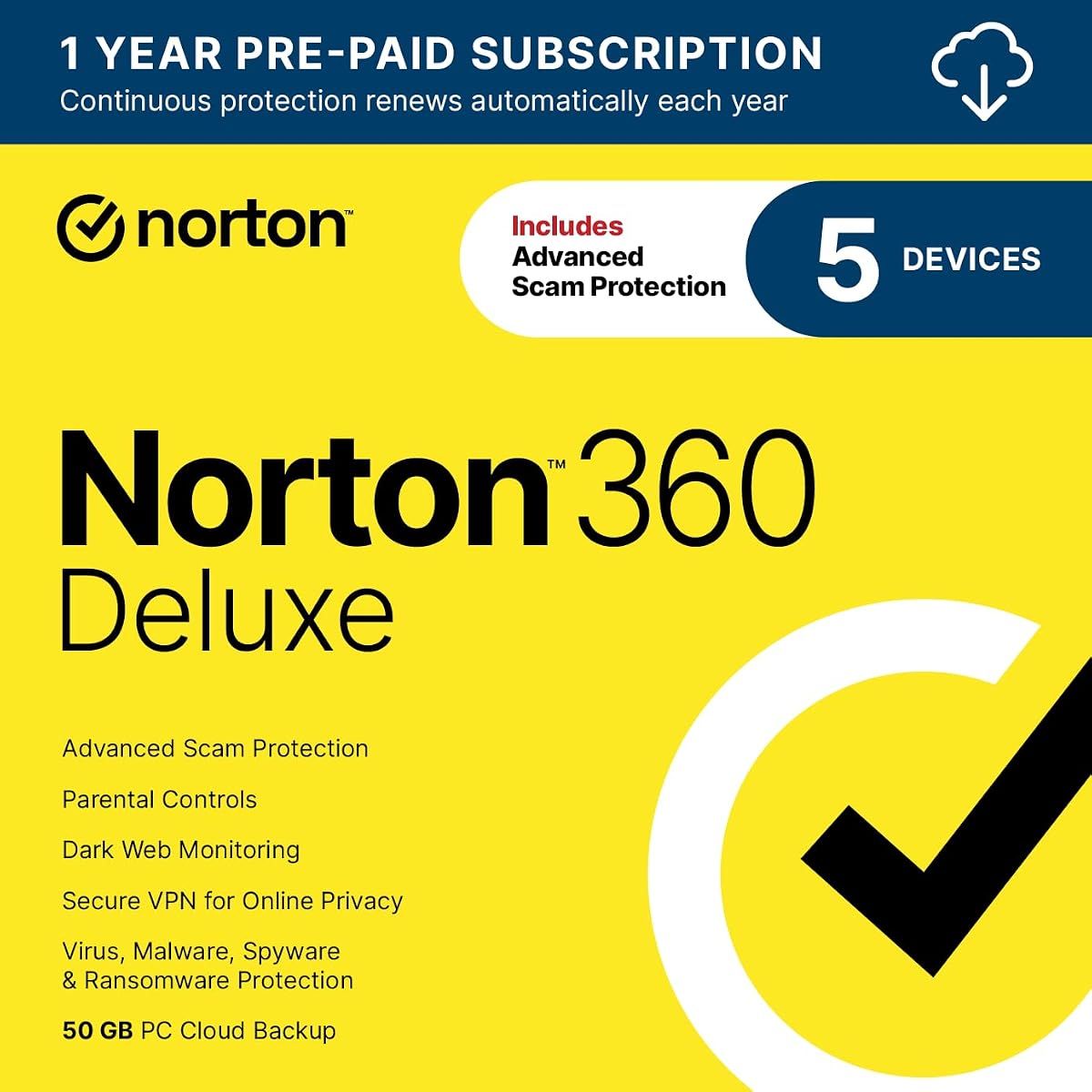
Norton 360 Deluxe stands out as a top choice for comprehensive laptop protection. With a rating reflecting solid user satisfaction, it delivers robust security across five devices including PCs Macs and mobile platforms.
We may earn a commission when you buy through this link, at no additional cost to you.
Key strengths include real-time protection against ransomware and viruses without slowing down your system. The Genie AI assistant helps spot scams while dark web monitoring alerts you if your identity is compromised online.
Trade-offs include auto-renewal settings that require attention to manage billing cycles. While the first-year price is special, renewal rates vary and you must store a payment method for activation.
This package suits families needing strong security on multiple devices. It balances performance with privacy tools making it a reliable choice for daily use across work and personal activities.
The 50 GB secure cloud backup helps prevent loss of photos and files due to ransomware or hardware failures.
Built-in AI analyzes messages and emails to warn you about suspicious links before you click them.
We may earn a commission when you buy through this link, at no additional cost to you.
McAfee+ Premium offers exceptional value for households with many devices by supporting unlimited coverage under one subscription. It combines antivirus with identity monitoring and unique privacy tools to manage your digital footprint.
We may earn a commission when you buy through this link, at no additional cost to you.
Standout features include a social privacy manager that fixes settings across accounts and personal data scans that find your info on data broker sites. These features go beyond standard security to offer proactive identity defense.
The price point is higher than basic plans but justified by the breadth of protection. Users must check their email for activation codes and understand auto-renewal terms to avoid unexpected charges later.
Ideal for large families or tech enthusiasts with multiple gadgets. This software provides comprehensive coverage that scales easily as you add new devices to your home or office network.
McAfee finds privacy settings buried in social accounts and fixes them to control what you share.
It finds your personal information on sites selling it then guides you on how to remove it.
We may earn a commission when you buy through this link, at no additional cost to you.
K7 Total Security is a practical choice for individual users seeking reliable protection without a high cost. It delivers core antivirus features and ransomware protection making it a solid budget option for standard laptops.
We may earn a commission when you buy through this link, at no additional cost to you.
Key strengths include webcam protection to prevent unauthorized access and ransomware safeguards to protect your files. Delivery is fast with activation codes arriving via email within 24 hours of purchase.
Trade-offs include a limit to one user and year which may not suit larger households. It lacks advanced identity monitoring tools found in pricier suites but covers essential security needs well.
This software is perfect for students or single users needing basic defense. Its affordability and straightforward setup make it easy to deploy quickly without complex configuration or high expenses.
Prevents unauthorized applications and hackers from spying on you by blocking access to your webcam.
Photos and files are protected from ransomwares and other untrusted apps from changing or encrypting.
We may earn a commission when you buy through this link, at no additional cost to you.
McAfee Total Protection 2027 delivers a robust all-in-one security package for up to five devices. It focuses on keeping your personal info safer through identity monitoring and secure connections on public Wi-Fi.
We may earn a commission when you buy through this link, at no additional cost to you.
Key strengths include clear alerts that guide you on what to do next and a mix of scam protection with antivirus. Adaptive protection tunes alerts to your needs as threats change over time.
Trade-offs involve auto-renewal which requires managing your account to cancel if needed. A payment method is required for activation though you will not be charged until the subscription ends.
This package works well for small families needing reliable protection across multiple gadgets. It balances ease of use with effective security tools to keep your data safe daily.
Just a few easy clicks and it will automatically protect your info on public Wi-Fi every time you connect.
Phone or chat any hour plus help articles if you'd rather sort it yourself.
We may earn a commission when you buy through this link, at no additional cost to you.
McAfee Total Protection for three devices offers award-winning antivirus alongside identity monitoring and a password manager. It helps secure your accounts by generating complex passwords and monitoring dark web activity.
We may earn a commission when you buy through this link, at no additional cost to you.
Key strengths include unlimited VPN access to protect privacy on public Wi-Fi and real-time threat protection. You can bank shop and browse securely with confidence thanks to integrated internet security tools.
Trade-offs include a limit to three devices which may not suit larger networks. Auto-renewal settings apply but you can cancel anytime to avoid future charges after the term ends.
This option suits small families needing solid internet security features. It delivers essential tools like VPNs and password management to protect your identity without extra add-on costs.
Generate and store complex passwords with a password manager to keep your accounts secure.
It monitors email addresses and IDs to notify you if signs of breaches are found online.
We may earn a commission when you buy through this link, at no additional cost to you.
ASURION provides a distinct type of protection focused on hardware rather than software threats. It covers accidents like drops and spills ensuring your laptop stays functional without high repair costs.
We may earn a commission when you buy through this link, at no additional cost to you.
Key strengths include 24/7 access to real experts for troubleshooting and connectivity issues. Claims are simple to file online and most are approved within minutes for quick resolution.
Trade-offs mean this does not protect against viruses or malware. It is an addition to software security specifically for physical damage that warranties do not cover after the first year.
This plan suits users worried about accidental damage to expensive laptops. It offers peace of mind for hardware integrity while you rely on software to handle digital threats.
Drops spills and cracked screens due to normal use are covered from day one.
If they can't repair it they will send you an Amazon e-gift card for the purchase price or replace it.
We may earn a commission when you buy through this link, at no additional cost to you.
McAfee Total Protection for three devices offers a balanced approach to internet security with identity monitoring and secure connections. It uses guided action to help you understand alerts and take steps to fix issues.
We may earn a commission when you buy through this link, at no additional cost to you.
Key strengths include scam protection and adaptive protection that keeps up as threats change. The service works together to protect you in one place covering everything from viruses to identity safety.
Trade-offs involve a limit to three devices and auto-renewal terms that require attention. You must log in to manage cancellations to ensure you are not charged unexpectedly after your term ends.
This plan is a reliable choice for small households needing consistent security. It simplifies protection by combining tools into one platform so you do not need separate apps.
Clear alerts and simple guidance make it easy to take action when you see a security warning.
Web protection and antivirus work together to protect you all in one place with secure connection tools.
We may earn a commission when you buy through this link, at no additional cost to you.
Bitdefender Total Security provides world-class antivirus and cyber protection for Windows Mac iOS and Android devices. It focuses on speed-optimized protection and includes a dedicated browser for safe online banking.
We may earn a commission when you buy through this link, at no additional cost to you.
Key strengths include multi-layer ransomware protection and game work modes that reduce notifications. It also offers webcam protection and anti-tracker tools to prevent monitoring while you use your devices.
Trade-offs include activation via physical mail which takes longer than digital downloads. The VPN daily limit may restrict heavy streaming but is sufficient for most browsing and privacy tasks.
This suite works well for users wanting broad platform support. It covers essentials like parental controls and phishing protection to keep your entire digital ecosystem secure and organized.
A unique dedicated browser secures your online transactions and financial activities.
Game movie and work modes optimize performance and reduce interruptions while you use your device.
We may earn a commission when you buy through this link, at no additional cost to you.
Norton 360 Deluxe for three devices offers essential security tools including cloud backup and dark web monitoring. It uses a Genie AI assistant to help you identify suspicious messages and emails online.
We may earn a commission when you buy through this link, at no additional cost to you.
Key strengths include real-time protection against malware and viruses without slowing device performance. The VPN offers fast speeds and server locations to help protect your privacy across your devices.
Trade-offs include a lower cloud backup limit of 25 GB compared to other plans. You should note auto-renewal terms carefully to manage billing expectations after your first year of service.
This plan suits small families needing core Norton features. It combines privacy and backup in one package to prevent data loss and protect your identity effectively.
25 GB secure PC cloud backup helps prevent loss of photos and files due to ransomware.
With the built-in Genie AI assistant you will never wonder if a message or email is suspicious again.
We may earn a commission when you buy through this link, at no additional cost to you.
Norton 360 Premium delivers extensive protection for ten devices with a generous 75 GB cloud backup. It includes dark web monitoring and advanced scam protection powered by AI to keep your identity safe.
We may earn a commission when you buy through this link, at no additional cost to you.
Key strengths include real-time protection against ransomware and viruses without performance slowdown. The VPN is top-performing with faster speeds and more server locations for strong privacy across your gadgets.
Trade-offs involve a higher price point and auto-renewal terms that require active management. A payment method must be stored in your account but you will not be charged until the term ends.
This option is ideal for large households with many connected devices. It offers the highest capacity for cloud backup to ensure your files are safe from loss or theft.
75 GB secure PC cloud backup helps prevent loss of photos and files due to hard drive failures.
We search the dark web and notify you should your information be found by identity thieves.
We may earn a commission when you buy through this link, at no additional cost to you.
Selecting the right protection software requires balancing security features with your device needs and budget. This guide outlines key factors to help you compare options effectively and make a smart choice for your system.
Determine how many devices you need to protect. Some suites cover one laptop while others support ten or unlimited devices. Choose a plan that matches your household size to avoid extra costs later.
Select a plan that covers all your devices to save money and simplify management across your network.
Look for real-time protection against viruses malware and ransomware. Top software uses behavioral analysis to detect new threats as they emerge keeping your system secure even against unknown risks.
Prioritize software with strong threat detection capabilities to keep your data safe from emerging online risks.
A built-in virtual private network protects your identity on public Wi-Fi. Check for unlimited data and fast speeds to ensure you can browse securely without performance issues during streaming or work.
Ensure the VPN offers unlimited data and high speeds for seamless secure browsing on public networks.
Identity monitoring services track your personal data online to alert you if it is exposed. This feature helps you react quickly if your name or financial info appears on dark web marketplaces.
Choose software with identity monitoring to stay notified about potential breaches of your personal information online.
Secure cloud backup saves your files from data loss caused by ransomware or drive failure. Look for enough storage space to back up important photos and documents regularly without worrying about limits.
Pick a plan with enough cloud backup storage to secure your critical files against accidental loss or attacks.
Good software should be easy to use without slowing down your laptop. Check for clear alerts and guided actions. Access to 24/7 customer support ensures you get help whenever you encounter issues.
Select software with a simple interface and strong support channels to resolve any security or installation issues quickly.
Check the first-year price but also look at renewal rates. Some plans offer introductory deals that rise later. Understand the auto-renewal terms and cancellation policy to avoid unexpected charges in future years.
Review renewal pricing and cancellation rules carefully to ensure the long-term cost fits your budget comfortably.
If you use multiple operating systems choose cross-platform compatibility. A suite that works on Windows Mac and mobile devices lets you manage all your security from one dashboard easily.
Ensure the software supports all your operating systems to manage security from a single dashboard effectively.
After purchasing your software enter the activation code sent to your email. Follow the on-screen steps to download and install the program on your laptop. Restart your device if prompted to complete the setup process.
Schedule regular scans to ensure your system stays clean. Most tools run automatic scans but you can start manual checks anytime. Update the software regularly to ensure it recognizes the latest security threats.
Keep your firewall and real-time protection enabled at all times. Avoid disabling security features even for temporary tasks unless absolutely necessary. If you notice performance issues check settings for optimization modes.
Yes even modern systems face risks from malware and phishing attacks. Protection software provides essential defenses like real-time scanning and secure browsing to keep your data and identity safe while online.
Many modern suites support multiple devices under one subscription. Check the plan details for coverage limits before buying so you can protect your laptop tablet and phone without needing separate purchases.
Top-rated software is optimized to run silently without affecting performance. Look for lightweight solutions and performance modes that reduce resource usage when you are gaming or working on intensive tasks.
Dark web monitoring checks if your email or identity details have been leaked online. It alerts you when your info appears on hidden sites so you can change passwords before damage occurs.
A VPN encrypts your traffic on public networks adding a layer of privacy. Many suites include unlimited VPN which makes it easier to secure your browsing without buying a separate service.
Most software runs automatic background scans every day. You should also perform manual scans weekly or after installing new programs to ensure no hidden threats are present on your system.
Your protection may stop after the term ends leaving your device exposed. Renewing keeps your virus definitions and access to features active so it is important to manage your account settings.
Free versions exist but usually lack advanced features like VPNs or identity monitoring. Paid suites provide comprehensive protection which is often worth the investment for safeguarding sensitive data.
We highlighted top picks like Norton 360 Deluxe for overall value and McAfee+ Premium for unlimited devices. K7 Total Security offers a budget-friendly option for individual users needing basic yet effective coverage.
Prioritize features that match your lifestyle such as cloud backup for families or VPNs for travelers. Ensure the software covers all your devices so you do not have to buy extra tools.
Remember that prices and terms change often so verify current offers before committing. Check the latest plans to ensure you are getting the most relevant features for your security needs.